
nlmnmoaknkmoccpalblnpalimemlabja
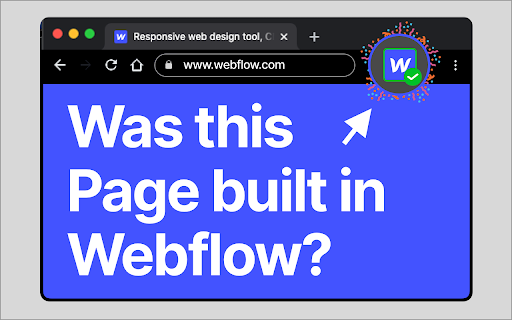

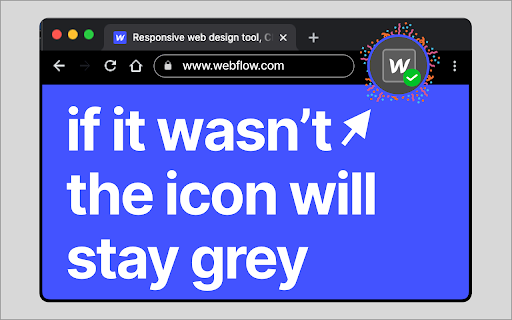
Checks if this page was built in Webflow This Extension tells you really fast if a website was built in Webflow. This Extension tells you really fast if a website was built in Webflow. the icon is usually Grey. on Websites Built with Webflow it will turn blue with a green checkmark. The end of inspect to see if it's Webflow

Finsweet Extension for Webflow
A suite of F'in sweet tools to improve your Webflow development experience. Important: Finsweet Extension has changed! Most features are now in our new native Webflow App. Only site settings remain in this Chrome Extension due to Webflow API limits. Unlock new and powerful tools and functionalities within Webflow's Dashboard, Editor and Designer. Functionalities include: - Bulk 301 redirects upload. - CSS styles sorting, editing and removal. - Interactions, Symbols and Color swatches reordering. - Breakpoints highlighting and removal. - Components marketplace to copy and paste directly in your project. - Direct integration with our Finsweet libraries like Cookie Consent or Attributes. - Vertical Canvas Resizing. - And much more!

Codehub for Webflow
Adds a window to save and manage code snippets for Webflow projects. Codehub for Webflow help you manage your codesnippets. THE PROBLEM: If you often find yourself searching through multiple projects to find those handy code snippets you've used before, Codehub is here to simplify your life. THE SOLUTION: This extension provides a centralized hub where you can save, manage, and easily access all your frequently used code snippets. With Codehub, reusing code across your Webflow projects becomes a breeze, saving you time and effort. It's the perfect tool for developers looking to optimize their coding process and enhance productivity on Webflow. Simply copy the snippets that you have saved and paste them where you need them. Also enjoy the premade community snippets!

Relume Chrome Extension for Webflow
Boost your productivity in Webflow with the Relume Chrome Extension. ★ Access 1,000+ Webflow components from the Relume Library, right inside of Webflow designer. Copy components into your project with 1 click. ★ Class Sync enables you to sync Relume components with updated classes in the designer, preventing class duplication. When you turn on Class Sync and paste a component, the component will adapt to match the styles of your Webflow project. ★ Paste SVGs directly into your Webflow project, with Relume's free SVG to HTML embed converter. ★ Create and save components in your own private Relume Library. Share with with clients and your team. The Relume Library includes everything you need to start a Client-First Webflow project: ✓Navbars ✓Footers ✓Header sections ✓Feature sections ✓CTA sections ✓FAQ sections ✓Contact sections ✓Pricing sections ✓UI Elements (including Buttons, Accordions, Sliders, Dropdowns, Cards, Tabs & more) ✓Page Templates (including Home, About, Blog, Contact, Portfolio & more) Browse the full library online: https://library.relume.io/dashboard Don't waste time rebuilding layouts for every new project. Install the Relume Chrome Extension to access all of these components right inside Webflow. Some features require a Relume account or paid subscription. Find out more inside the extension or online: https://library.relume.io/pricing

Framer Checker
Need to check if a website was made with Framer? With Framer Checker, you can automatically verifies if a website was created using this popular design tool. With just a few clicks, you can quickly check if a site was built with Framer. As a designer, it's a great way to see how other professionals are using this tool, and for anyone curious about the tools used to build their favorite websites, Framer Checker has you covered.
