
lhmnneaafiepkdajfamalpobamlfkabl
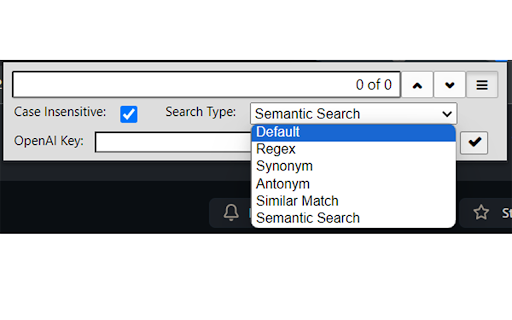
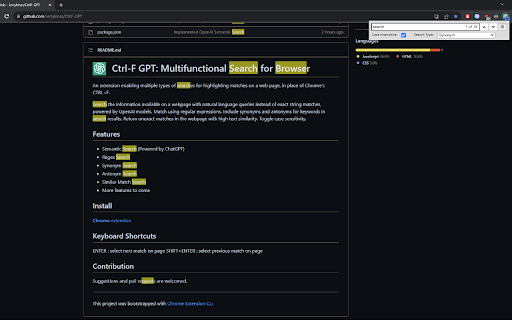
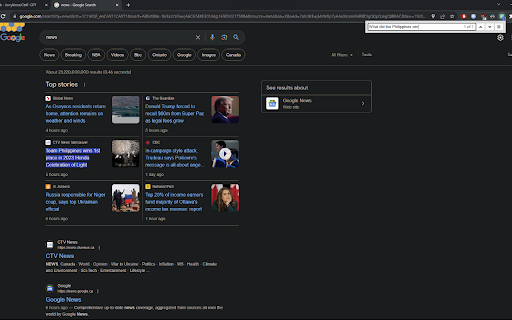
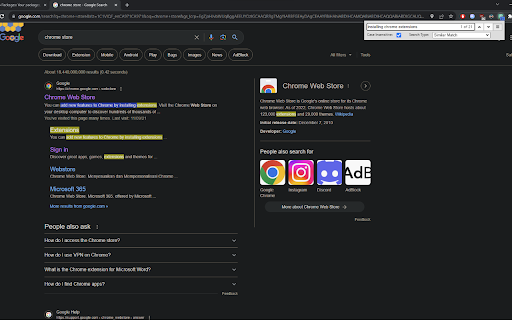
An extension enabling multiple types of searches for highlighting matches on a web page, in place of Chrome's CTRL+F. Search the information available on a webpage with natural language queries instead of exact string matches, powered by OpenAI models. Match using regular expressions. Include synonyms and antonyms for keywords in search results. Return unexact matches in the webpage with high text similarity. Toggle case sensitivity. Keyboard Shortcuts: ENTER : select next match on page SHIFT+ENTER : select previous match on page

Better Ctrl+F
An enhanced version of the default Ctrl+F. Better Ctrl+F is a Chrome extension that is an enhanced version of the default Ctrl+F, providing a more flexible search experience within web pages. - Multi-term Search: Simultaneously search for up to 5 different terms - Custom Highlighting: Personalize colors for each search term and focused result - Advanced Search Options: Toggle case-sensitive and diacritics-sensitive searches - Efficient Navigation: Quickly move through search results using intuitive controls - Theme Options: Choose between light and dark mode for your preference - Persistent Settings: Your preferences are saved across browser sessions If you encounter any issues or have suggestions for improvement, please submit them through the GitHub Issues page. Your feedback is appreciated!

Code Search
A Code Search Google Chrome Extension Got a question about something you're coding? With Code Search you can search any coding-related questions in just 3 clicks! Just click on the Chrome Extension, then enter your text into the input field, and choose a search method!

SemanticFinder
Semantic search right in your browser! Calculates segment embeddings and cosine similarity client-side without server-side inferencing, using transformers.js. Currently best in English but 50+ languages are supported too!

Multi Words Search
An easy way to search multiple words in the document. Lets say you want to find some words in web page. You can still use Ctrl+f. But if you want to find 10 words in the page at the same time? Here is the solution. You just type multi words in the box and let this tool search them. We will highlight words simultaneously.
