
mgnecjdoeabjlphbffepolnhcfhghldc
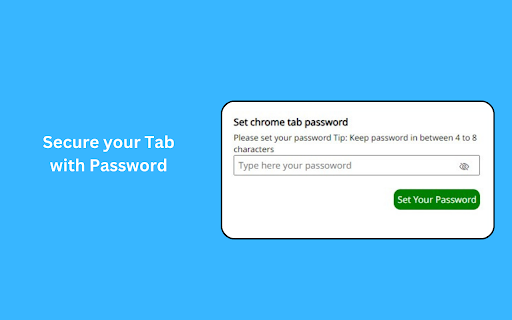
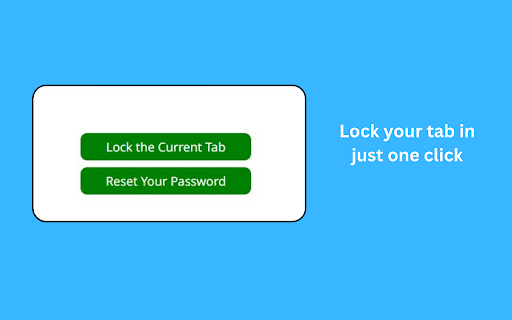
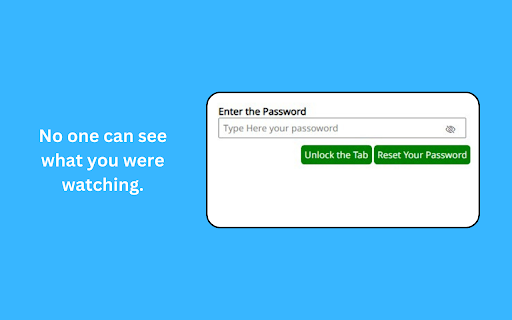
This extension lock current tab and hide the content of that tab with password Introducing Secure Tab, your ultimate solution for enhancing online privacy and securing sensitive information within your browser. This powerful extension allows you to lock current tab with password protection. Tab Locking: Easily lock the current tab with a single click, preventing unauthorized access to its content. Secure Tab acts as a virtual vault for your online activities. Password Protection: Set a personalized password to safeguard your locked tabs. User-Friendly Interface: Secure Tab seamlessly integrates into your browser, offering an intuitive and easy-to-use interface Note: This extension only hide your current tab not all the tabs.

Tab Lock Forever
Keep Your Browser Tabs Forever Overview Tab Lock Forever is a user-friendly Chrome extension designed for individuals who frequently open specific tabs at the start of their browsing session. This extension simplifies tab management, ensuring that your preferred URLs are always accessible without the hassle of manual re-opening. Features Easy URL Addition: Click the extension icon and hit the "Add URL" button to enter the URLs you want to lock. This action redirects you to a new tab where you can conveniently add your desired URLs. Automatic Tab Restoration: Upon starting Chrome, Tab Lock Forever automatically checks for the URLs you’ve added. If any tab is missing, it will open those URLs immediately and pin them for easy access. Domain Similarity Control: A unique feature of this extension is the blue checkbox that allows you to prevent the opening of URLs from similar domains if one is already open. For instance, if google.com is open, the extension will not open mail.google.com or maps.google.com, ensuring your workspace remains organized. Installation Download the Tab Lock Forever extension from the Chrome Web Store. Click on the extension icon in the toolbar to access the features. Add your desired URLs and enjoy a seamless browsing experience. Usage To add a URL, click the extension icon and select "Add URL." The extension will handle the rest by ensuring your specified tabs open automatically each time you start Chrome. Conclusion Tab Lock Forever is the perfect solution for those who rely on specific tabs for their daily browsing activities. With its intuitive interface and powerful features, it streamlines your workflow, allowing you to focus on what matters most. For support or feedback, please contact us at dev.taraq@gmail.com.

Tab Locker
Save your current tabs for later use Can save up to 5 collections of tabs to be reopened at anytime. Helpful for studying or research.

Tab Locker
Lock and unlock Chrome tabs with keyboard shortcuts. Tired of accidentally closing important tabs? Tab Locker helps you lock any tab, preventing it from being closed and ensuring you never lose critical webpages. 🔥 Key Features: ⭐️ Reopen Locked Tabs: If a locked tab is closed, it reopens in the same position automatically. ⭐️ Lock & Unlock with Shortcuts: Use customizable keyboard shortcuts to lock or unlock any tab. ⭐️ Extension Toggle: Easily enable or disable the extension through a simple UI toggle. ⭐️ Dark Mode: Switch between light and dark modes to suit your preference. ⭐️ Popup Alerts: Quick pop-up messages when a tab is locked or unlocked. ⭐️ Preserve Tab Position: Locked tabs stay in the same spot, even after reopening when closed. 🚀 How to Use: ➜ Use customizable keyboard shortcuts to lock or unlock any tab. ➜ Set up your lock/unlock shortcuts by going to chrome://extensions/shortcuts. Made with ❤️ by Akarsh Raj Any questions or suggestions? Please contact me at 💌 akarsh.raj218+tab-locker@gmail.com

Tab Locker Room
A Chrome extension to lock and password protect open tabs. Tab Locker Room helps you protect your browser tabs with password locks. This extension is designed for privacy-conscious users who want to restrict access to open tabs, either temporarily or continuously, preventing unauthorised viewing or interaction. It is open-source: https://github.com/The-x-35/tab-locker-room Features: - Lock tabs instantly with a password - Easily configure or change the lock password in settings - Blurs and protects the tab content, requiring the correct password for access - User-friendly interface with simple settings and secure functionality Use Cases: - Keep work-related tabs private on shared or public computers - Protect tabs while multitasking to prevent unintended access - Great for securing sensitive information temporarily Get started with Tab Locker Room today for a secure browsing experience!
