
lhdhfmkagpnfjjdgbionncpiolioknpj
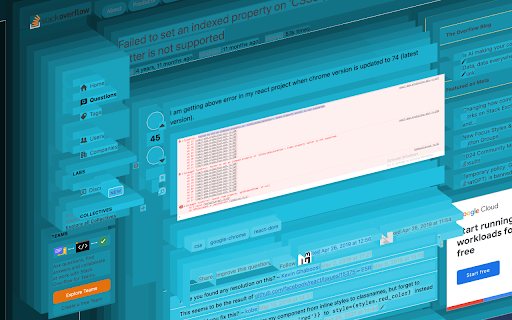
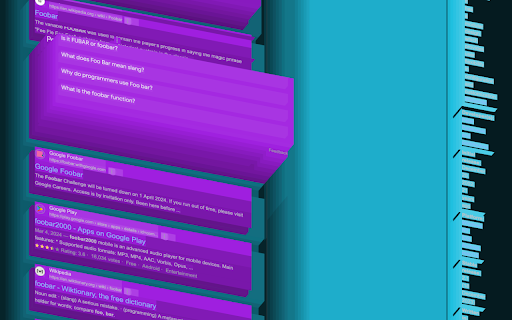
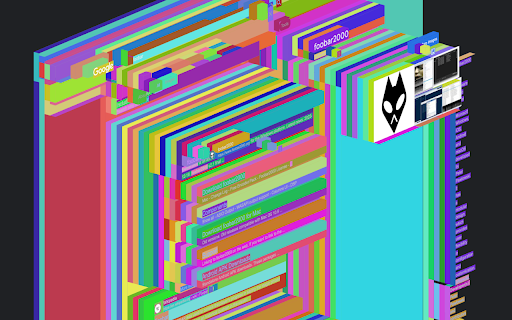
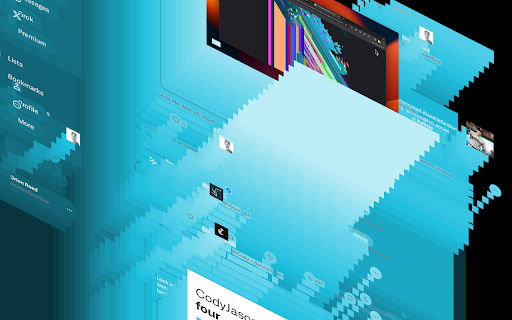
View the DOM in 3D.

Svelte DevTools
Browser DevTools extension for debugging Svelte applications. Check out the changelog at https://github.com/sveltejs/svelte-devtools/releases Svelte DevTools is a browser DevTools extension for the open-source Svelte JavaScript framework. It allows you to gain deep insights and inspect the Svelte component hierarchies in the Developer Tools panel itself. After installing, you will get a new tab in your browser DevTools titled "Svelte". The DevTools panel will only work on sites with `dev` mode enabled, which should work out-of-the-box when you're running your Svelte app locally. - Zero-configuration: Run your application in development mode and have everything working - Real-time Component Tree: Svelte component hierarchy visualization in real-time, deeper understanding of your application structure and identify relationships between components easily - Interactive State Inspection: Modify and experiment with component states effortlessly in one place, and easily see events and other state - Dark Mode Support: Enjoy the sleek and user-friendly interface in both light and dark modes - Open Source and Community-Driven: This extension is open source and actively maintained by the Svelte community This extension requires permissions to access the tab's content, data will be processed locally in your browser and cleared after each session.

DOM X-Ray
See through the DOM to visually debug CSS positioning. Toggle DOM X-Ray to trigger CSS styles that outline and illuminate DOM element structure.

ARIA DevTools
Easily spot missing ARIA labels, misused ARIA roles, and incomplete keyboard support in your web applications. Creating accessible web applications is difficult. It gets even harder if you don't understand how people with disabilities use computers. With ARIA DevTools you see your website the way screen readers present it to the blind users. All page elements are presented according to their explicit or implied ARIA roles. This includes headings, images, tables and form items beyond others. It's now easy to spot missing ARIA labels, misused ARIA roles, and incomplete keyboard support. This makes testing and development of accessible websites easier.

Refined GitHub
Simplifies the GitHub interface and adds useful features Highlights: - Linkifies issue/PR references and URLs in code. - Makes whitespace characters visible. - Reduces tabs’ size to 4 spaces instead of 8. - Adds one-click merge conflict fixers. - Adds reaction avatars showing who reacted to a comment. - Adds a button to revert all the changes to a file in a PR. - Adds a build/CI status icon next to the repo’s name. - Adds a button to view the source of Markdown files. - Shows PRs that touch the current file. - Highlights the most useful comment in conversations. - Shows the first Git tag a merged PR was included in. - Adds a link to an automatic changelog for each tag/release. - Adds possible related pages and alternatives on 404 pages. - Displays the age of the repository in the sidebar. And so much more! 200+ features. See the website for a full list of features. The GITHUB and REFINED GITHUB trademarks are owned by GitHub, Inc. and used under license.
