
kblaeoblancaojikejlaacmhfhfdango
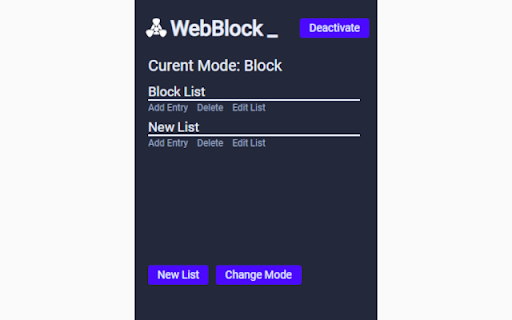
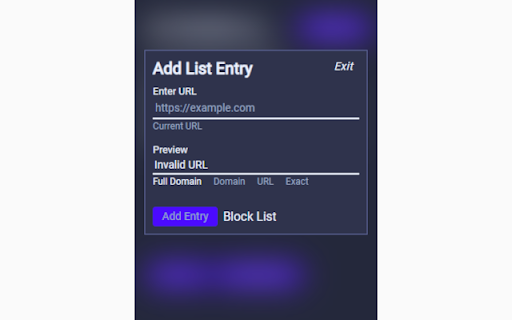
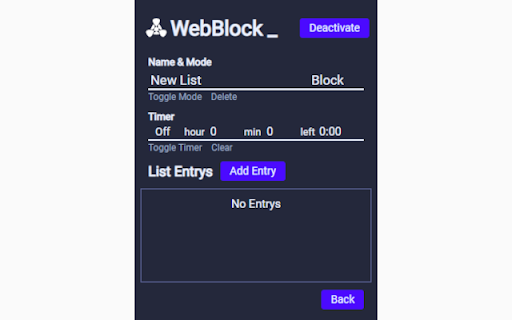
In Beta: This extension is under active development and is still missing planned features. Expect that there might be bugs and other issues. Web Block manages lists of websites that you create. When you navigate to a website on a list it will redirect you to a block page. There are two different types of lists: Block lists which block the websites on them, and Allow lists that allow the websites on them while blocking everything else. Lists can have timers that will keep track of how long you are breaking the rules of the list, once time is up it will go back to blocking the website.

Web Site blocker
Easy way to block distracting websites to prevent access while you work The Web Site Blocker Chrome extension empowers users to permanently deny access to websites or implement scheduled restrictions. Safeguard yourself from distracting or harmful content or shield your children from inappropriate material. - URL Blocking: Block distracting and harmful websites, including subdomains. - White List: Activate this option to block all websites except those included in the whitelist. - Password Protection: Secure the options page with a password to prevent easy removal of blocked sites. - Custom Rules Keyword based control. Allow or block access to a specific site only if the URL contains specific keyword - White & Black Time Configuration: Customize your daily schedule with the Scheduling feature, allowing you to set specific days and times for accessing certain sites. Stay focused and maintain daily routines effortlessly.

SiteBlock
Find yourself visiting websites unrelated to your current task, even without thinking? Place a barrier in your way by blocking the sites with SiteBlock. Set the list of sites to block in the Extension Options. Access it through the Chrome menu, under Extensions -> Manage Extensions -> SiteBlock -> Details -> Extension Options. Changelog: - 0.3.1 - improve look of settings page - 0.3.0 - option to use Chrome sync storage to sync settings across devices - 0.3.0 - first dot and asterisk in an entry was handled differently than subsequent ones. Now all dots and asterisks in an entry are handled the same way. - 0.2.9 - add an example of how to block just x.com (//x.com)

SiteBlock
Stay focused and eliminate distractions with this simple site blocker extension! Easily block any website by adding keywords like “social media” or “news” — the extension will automatically block matching sites when you try to visit them. Enjoy unlimited site blocking, a convenient right-click menu option, and effortless control over your browsing habits. Take back your time and boost your productivity — install the extension today!

Website Blocker
Easily block an unlimited number of websites using this free browser extension. Why install this browser extension? 🚫 Easily block as many websites as you want. 📚 Boost your productivity, avoid distractions, stop procrastination and stay focused. ⏲️ See how long each website has been blocked for. This feature motivates you to keep websites blocked. Once you unblock a website the timer is reset to zero. Challenge yourself to see how long you can go! 🔒 The only permission needed is 'Block content on any page you visit'. That's it. This means that you can be reassured that your privacy and security is protected. No user data is collected. How To Use: 1) Click on the extension icon to bring up the popup window. 2) In the popup window, click the link to go to the settings page. 3) In the text field, enter the URL of a website (e.g. example.com) that you want to block and then press add. 4) Your browser will then be blocked from visiting that website. This includes embeds. 5) To unblock a website, click on the trash can icon for that website. Note: The text that you enter in order to block a website is used as a URL filter. This means that any URL containing that text is blocked. For example, both "example.com" and "ple.com" will block the browser from visiting the URL "http://example.com/". If you like this extension, a rating would be very much appreciated. 😊
