
dkjeikcmflhljchmgkhfehciplanmbnk
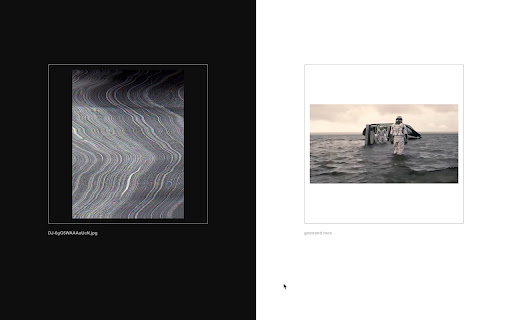
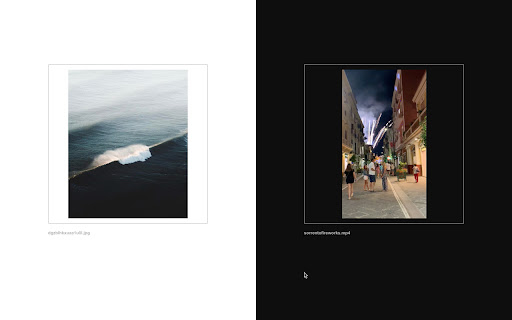


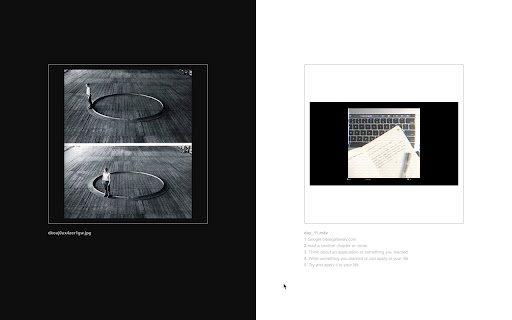
Engage with your channels and your network. This extension aims to help you engage with Are.na. Reconnect with content or ideas you might have forgotten. Explore and get inspired by your network. Two random blocks will show up every time you open a new tab. One of your own, and one from a person or a channel you follow.

The Creative Independent’s Extension
Displays a quote from The Creative Independent on your new tab. Any time you open a new tab, you’ll see a quote from an interview on The Creative Independent. It’s a good way to remember TCI exists as you go about your browsing rituals. This new tab Chrome extension can be run completely offline. When you go back online, it will pull new quotes from TCI. Our Chrome extension will never track your browsing history or collect any data about you. It’s also completely open source.

Sublime
Collect and connect anything interesting you find on the Internet Sublime is a simple tool to collect and connect ideas. Our browser extension lets you save anything from anywhere on the web — and instantly shows you related ideas to spark your creativity. -- Save anything with one click • Highlight text on any page • Right-click to save images • Take screenshots • Save any link — articles, videos, tweets, research • Add notes and sort into collections as you go -- See related ideas (everyone’s favorite) Save any idea and discover hand-curated, related ideas other people on sublime found interesting. Perfect as a writing, research, and creative companion. -- Import what you’ve already saved Bring your existing content in seconds: • Kindle highlights • X (Twitter) bookmarks • Instagram saves • Readwise highlights -- One library, everywhere you go Your own personal Google, accessible across browser, mobile, and web • “A studio for my mind.” • “Evernote meets Pinterest meets Notion — but calmer, and actually inspiring.” • “A tasteful, multiplayer commonplace book.”

WebBites - browser extension
All your bookmarks, organized with AI. Save, organise and find all your bookmarks with the help of AI. 💻 Page previews Get a preview screenshot of all websites you save. 📺 Adapts to your content The web is diverse, so why should all sites be treated the same? WebBites knows what type of content you're saving and adapts to it. 📰 Reader Mode Remove all the clutter and ads with reader mode, saving your saved sites as text. 📸 Full-page screenshots Take a full-page screenshot of all websites you save, forever accessible, even if the page is taken down. 📝 Page annotations Annotate anything you want directly on the website’s screenshot. 📟 Auto-generated metadata Each page you save is automatically categorised into tags, keywords and colours to help you organise your digital life. 🔎 Smart search Full-text page search, tags, auto-generated keywords, comments, and even colours can be used to search.

Promnesia
Recall which pages you already visited, why and in which context Promnesia is a browser extension (Chrome/Firefox/Firefox mobile) which provides a sidebar which complements browser history with some enhanced features. TLDR: it lets you explore your browsing history in context: where you encountered it, in chat, on Twitter, on Reddit, or just in one of the text files on your computer. This is unlike most modern browsers, where you can only see when you visited the link. It allows you to answer different questions about the current web page: - have I been here before? When? - why have I bookmarked it? - how did I get on it? Which page has led to it? - who sent me this link? Can I just jump to the message? - which links on this page have I already explored? - which posts from this blog page have I already read? *NOTE*: to get the most benefits from the extension, you also need to set up a supplementary service. You can find the instructions here: https://github.com/karlicoss/promnesia#setup
