
dffdoleglcheojjobmaeicffhdibaocc

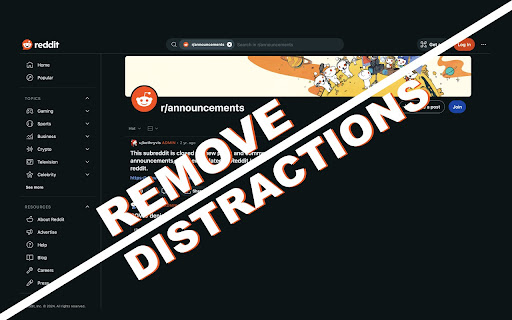

Lets you take control of your time by limiting reddit features Allows you to turn off Reddit features, such as the main feed, subreddit feeds, notifications, and the trending page, in order to allow you to take back control of your time.

SocialFocus — Hide Feeds, Shorts & Distractions
SocialFocus helps you hide feeds, Shorts, ads, and other distractions on popular websites — without blocking them entirely. Instead of cutting sites out of your life, SocialFocus lets you remove attention-grabbing elements so you can browse with intention. Hide what distracts you. Keep what matters. YouTube: - Hide Home feed, recommended videos, Shorts, comments, and sidebars Facebook & Instagram: - Remove feeds, promoted posts, stories, reels, and suggestions Twitter / X: - Block the Home timeline (For You / Following), trends, suggestions, and promoted posts Reddit: - Disable Home feed, related posts, trending sections, and comments 🧠 Designed for everyday focus It’s a focus tool built for everyday use — especially for people who still need these platforms for work, learning, or communication. Additional features include: - Password-protected settings - Import, export, and reset preferences - Light and dark themes - Optional daily usage limits per site - Works on desktop and mobile versions of websites Whether you want to stop endless scrolling or simply reduce visual noise, SocialFocus helps you stay in control — without breaking your workflow. The extension includes a “My Apps” section, where you can discover additional tools created by me.

Reddit Limit
This extension sets a timer for reddit use This extension sets a timer for reddit use and locks you out once timer reaches zero. It resets automatically every day, or you can manually set time in options page. Maximum time limit of 720 minutes.

SubMute
Adds a mute button to each subreddit in r/popular for quick muting. Mute a Subreddit: Go to r/popular. Click the Mute button next to the subreddit you wish to hide. Manage Muted Subreddits: Click the SubMute icon in the Chrome toolbar. View your muted subreddits and click Unmute to remove any.

Reddit Comment Arrow
The loved arrow in the reddit comment section to skip to the next top level comment Brings the skip-to-next-top-level-comment-button from the mobile apps to the desktop version of reddit. The button will be positioned on the middle left side of the screen by default. Instructions: - Open a reddit post page - Wait until top comments have loaded - Click on the button to jump to the next comment - Hold and drag (default 500 milliseconds) to reposition the button - You can alter several options in the action menu of the extension. Just click on the icon in the extension popover. If the button should mislocate by any reason, its' position can be reset from the action menu via "Reset button position".
