
ojphegfghpacfphdjogjfonakeemcpcf
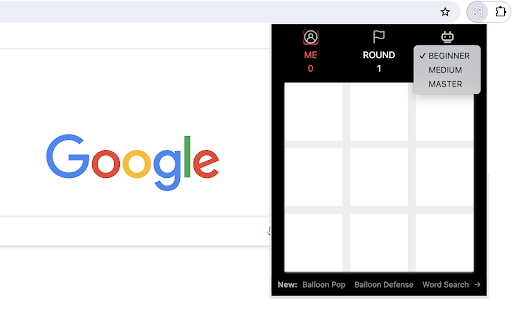
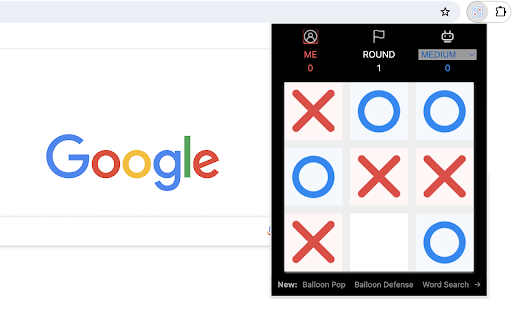


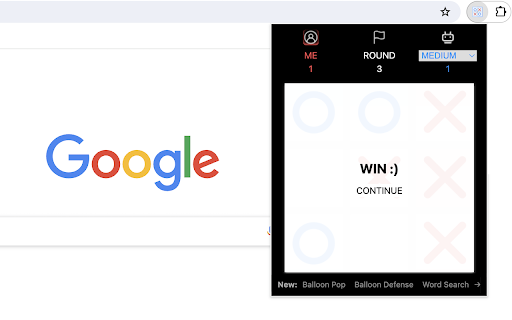
A classic tic-tac-toe game that plays with AI player in a popup Play Tic-Tac-Toe game in single player mode against an AI player. Try to set different difficulty levels and see if you can beat the AI. You may love the smartest AI player with master level. Have fun with this classic puzzle game! Additionally, we've added some of our featured game extensions at the bottom for your extra enjoyment. CHANGELOG ========== Version 0.1.3 - 0.1.6 - Add the section on new games - Prettify code and styles - Update google analytics Version 0.1.0 - 0.1.2 - Initial release of the game - Improve game interface

Number Snake Game
Guide the snake to consume numbers in sequential order. Number Snake is a fun version of the classic snake game, but with a twist where you have to collect numbers in order. In this game, you guide a snake to consume numbers from 1 to 9 sequentially within a given time limit. Eating numbers out of order will result in a game over. 1) Starting the Game: - Click the extension icon and the game will start in a popup window. - The game area will display numbers from 1 to 9, placed randomly. 2) Controlling the Snake: - Navigate the snake using the Arrow keys or WASD. - The snake moves continuously, and you can alter its direction to head towards the desired number. 3) Eating Numbers in Order: - Your objective is to eat the numbers in ascending order, starting from 1 and going up to 9. - Successfully consume each number in sequence. For example, find and eat '1' first, followed by '2', and so on up to '9'. 4) Avoiding Mistakes: - Be cautious not to eat the numbers out of order. For instance, eating '2' before '1' will result in a game over. - Similarly, avoid colliding with the game area's walls or the snake's body. How to Win? - When the snake successfully eat all numbers in order within 40 seconds, you win the game. Tips for Success: - Focus on Sequencing: Always be aware of the next number you need to consume. Plan your moves to reach it safely. Go ahead and test how quickly you can win the game! For a variety of gaming experiences, feel free to explore our novel snake game and other featured game extensions displayed when the game ends. CHANGELOG ========== - Version 0.1.2 - 0.2.1 - Display featured games after game over - Update featured product name - Present novel snake game - Dynamic update of featured game list - Add WASD movement support - Prettify code & styles and add timer Version 0.1.1 - Add google analytics - Show the list of new games

Word Search Game
Discover all the hidden words within the 2-D character grid. Welcome to the "Word Search Challenge," a fun and engaging word puzzle game. In this game, you will be presented with a grid of letters and four given words. The goal is to find all given words from the 2-D grid. These words can be placed either horizontally or vertically within the grid. New words will be given when the game starts/restarts. Can you spot them all and complete the challenge? Let's get started! - To play the game, simply click on any letter in the grid to start searching for words. - If the clicked letter is the starting letter of any given word, the game will check horizontally and vertically to find the complete word. - If a word is found, it will be highlighted with a color to indicate that you've discovered it. - The game ends when you successfully find and highlight all given words. 1. Look both ways: words can be hidden both horizontally and vertically, so be thorough in your search. 2. Stay patient: Some words may be easier to find than others. Don't get discouraged; keep searching! Have fun with word search game! Additionally, we've presented our other exciting game extensions after game over for extra enjoyment. CHANGELOG ========== Version 0.1.4 - 0.2.1 - Remove animation for simple game over page - Remove the feature of saving earned points - Enable dynamic update of featured game list - Prettify code and styles - Update google analytics Version 0.1.3 - Display cheerleader animation after game over - Add the feature of saving earned points Version 0.1.1 - 0.1.2 - Add google analytics - Add the section of new games - Update game parameter Version 0.1.0 - Initial release of the game

Memory Card Game
Click on the cards to reveal images and find matching pairs! Are you ready to test your memory and matching skills? In this exciting and challenging game, your task is to uncover pairs of hidden images. You will see a grid consisting of 4x4 cards, each hiding an image. The goal is simple: find all matching image pairs! 1. Click on a card to reveal the image hidden beneath it. 2. Click on another card to uncover its image as well. 3. If the two revealed images are identical, their cards will vanish from the board. If not, they will be hidden again. 4. Keep searching for pairs until you've matched all the images. 5. The game ends when you've successfully cleared the board of all eight pairs. Please keep in mind: 1) You can only reveal two images at a time. 2) Pay attention and keep in mind the spots where the two distinct images were displayed. You have only one second before they disappear. Let's get started and enjoy the game! Looking for a challenge? Click 'Next Level' below the restart button to try next levels with more cards. For a variety of gaming experiences, feel free to explore our featured game extensions on the game over page. CHANGELOG ========== Version 0.1.1 - 0.1.8 - Add google analytics - Add the list of featured games - Add the link of next level - Dynamic update of featured game list - Prettify code and styles

Wall Smash Game
Bounce the ball to smash the falling wall. Welcome to Wall Smash Game, an exciting challenge that places you in control of a paddle, with the goal of bouncing a ball to destroy bricks and attain the highest score possible. 1) Click the extension icon in your Chrome browser to open Wall Smash Game. You'll be presented with a 480x480 game arena that has a paddle at the bottom, a ball starting in the middle, and a descending wall made up of bricks at the top. 2) Effortlessly glide your mouse horizontally across the game area to control the paddle's movements. The ball easily bounces off the paddle and the surrounding walls. 3) Every 4 seconds, the current bricks move down by their own height, and a new row of bricks is added at the top of the wall. 4) If the ball misses the paddle and hits the bottom wall, you lose. If any brick reaches the bottom wall, you also lose. 5) After each round, a "Restart" button appears, allowing you to easily begin again. Tips for Success: - Stay really focused, follow where the ball goes, and guess where it will bounce. - Put the paddle in the right spot to hit the hard-to-reach bricks just right. Give it a try and see how quickly you can smash the wall! Ready for a challenge? Additionally, we’ve highlighted some of our featured game extensions after game over to offer extra fun options. CHANGELOG ========== Version 0.1.3 - 0.2.1 - Remove animation for simple game over page - Remove the feature of saving earned points - Add the list of featured games - Dynamic update of featured game list - Prettify code and styles - Update google analytics Version 0.1.2 - Display cheerleader animation after game over - Add the feature of saving earned points Version 0.1.1 - Add google analytics - Show the list of new games Version 0.1.0 - Initial release of the game
