
oidicklaiepbcchdfjmafnbnobdaikcp
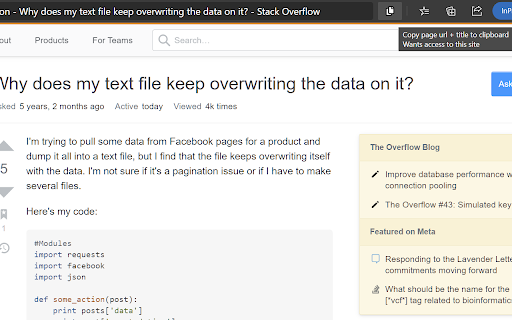
Copies a pretty-link to the current page Copies the current page's url & title to the clipboard using both plain text and HTML for easy pasting into other programs.

URL Copy Helper
Copy current URL and Title. Rich Text is avalable! You can copy URL and Title in several formats. **Rich text is supported**. In other words, if you paste it in a tool like Notion or Slack, it becomes a link!

Copy URL
Copy URL of the active tab into the clipboard Copy URL of the active tab into the clipboard with a single click. Just press the "Copy URL" toolbar button and see the magic! Now you can even change the extension icon color! Just right-click on the extension, pick an "Options," and choose your preferred color theme.

Selection Menu
Pop-up menu after selection with copying and searching for selected text in Google (or other search engines) Select the text and click on one of the buttons in the pop-up menu (copy or search in Google (or other search engines)). See extension preferences to choose your own search engine.

Alternative Copy
Copies a shortened shareable link of the current tab's address to the clipboard (default: Alt+C, mac: Option+C). This extension copies a shareable URL of the current tab to your clipboard. Many sites include long irrelevant strings of text in the URL bar that include tracking and advertising data that aren't friendly to share. Clicking the icon or pressing Alt+C will activate this extension, and the keyboard shortcut can be changed in your browser's extensions page. Defaults to Option+C for MacOS. This extension removes the query string, and hashtag references, and will further remove irrelevant data on supported sites to get to a short URL more appropriate for sharing. Sites currently supported for enhanced shortening: - eBay items (removes item description from URL) - Amazon items (removes item description and referrer from URL) - YouTube videos (removes playlist and start time from URL) - Local File URLs (copies a local path instead of URL) For file:// urls that are on your local hard drive, Alternative Copy will put the native path string into the clipboard, and will surround the path with quotes if it contains any spaces. For example, file:///C:/Projects/AlternativeCopy/Test%20File%20URL.txt would copy as "C:\Projects\AlternativeCopy\Test File URL.txt" (windows), and file:///Temp/AlternativeCopy/TestFile.txt would copy as /Temp/AlternativeCopy/TestFile.txt (linux, BSD, MacOS).
