
necipeebkikcoingolmohfaeckegimid
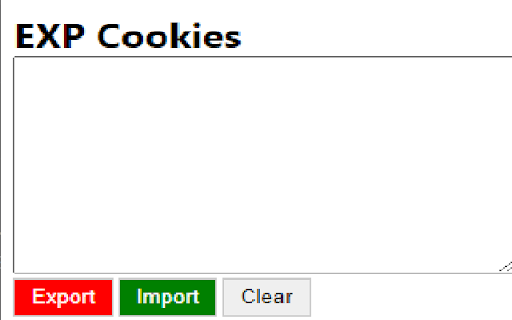
This extension help the user can export the browser cookies to file and import the cookies from file A powerful and easy-to-use EXP Cookies Tool EXP Cookies Tool is a free, powerful and easy-to-use. Manage all your cookies stored within your browser, including 3rd party cookies. The interface is clean and well organized. REQUIRED PERMISSIONS: "cookies" and "all_urls" - to query cookies for any hosts.

EXP Cookies Tool
This extension help the user can export the browser cookies to file and import the cookies from file A powerful and easy-to-use EXP Cookies Tool EXP Cookies Tool is a free, powerful and easy-to-use. Manage all your cookies stored within your browser, including 3rd party cookies. The interface is clean and well organized. REQUIRED PERMISSIONS: "cookies" and "all_urls" - to query cookies for any hosts. "tabs - to close tabs when clear all cookies

Cookies Pack
Flexible extensions to control your cookies Cookies Pack is an open-source cookie management extension that is powerful and easy to use. It allows you to manage, import, and export cookies for sites with just a few clicks. REQUIRED PERMISSIONS: "cookies" and "" - to query and modify cookies for any hosts. PRIVACY POLICY: - We do not collect or store your personal or sensitive data. - We do not transmit personal or sensitive data. - We do not collect or transmit non-personally identifiable information.

Cookie Backup
Extension that saves cookies. This extension exports cookie information to text (JSON format). It is also possible to import in JSON format.

Free Keylogger Tool - Child Monitor Tackker
Tackker is a free keylogger tool that helps you in Child Monitoring and other ethical monitoring services. tackker is a free keylogger tool that helps you log the keystrokes and other user data. It can be used for child monitoring as well as employee monitoring. And Now You can also monitor your browsing history. Install Tackker and get peace of mind. 1) Install tackker on target system browser(s). 2) After installation, you will be directed to register/login (this part is important since without registering you can not see the logged data). 3) Once you are registered and the plugin is installed , simply monitor user activity from our online dashboard.
