
ndbbblokinghdinhoffmohiflemgiako
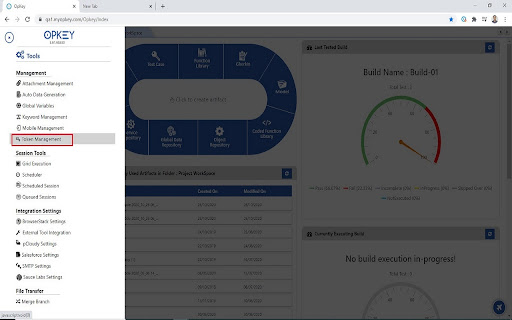
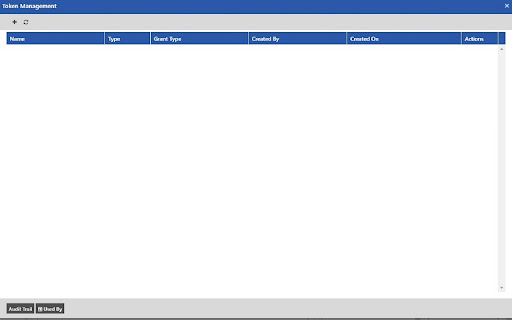
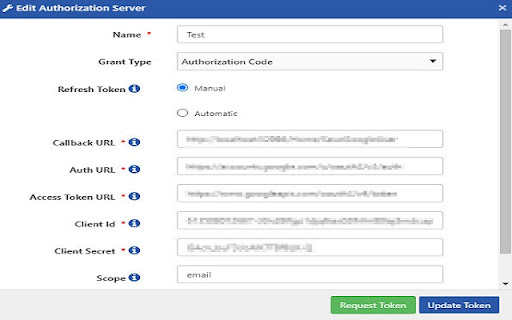
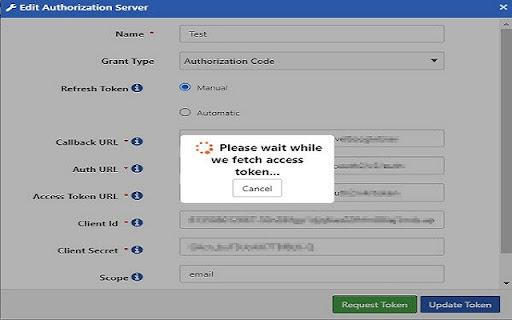
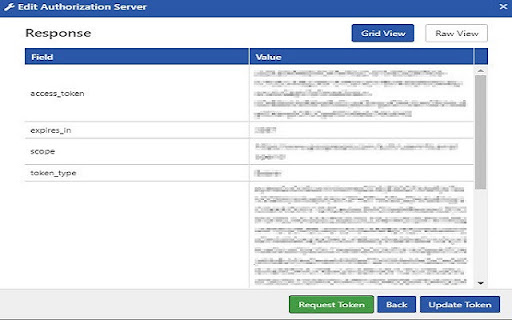
Opkey Token Request allows user to fetch access token for 'Authorization Code' and 'Implicit' grant types for 'OAuth2' type. Opkey Token Request is a plugin which allows user to fetch access token for 'Authorization Code' and 'Implicit' grant types for 'OAuth2' type authentication type. Following modules in Opkey utilizes the plugin service: 1. Token Management 2. Service Repository

Auto OAuth
Automatically log into sites with OAuth without having to always choose the account. When you have multiple Google or Microsoft accounts (for work, home, etc) every time you try to log into a website via OAuth, like with the "Login with Google" button, you have to choose the account you want to use. This extension allows you to choose a selected account per site that you'll always want to use in the future - one fewer click! Release Notes: * 1.2.0 – Migrate to Manifest V3; add support for Google's new v3 signin flow; fix SAML detection bug * 1.1.1 – Fix a bug that did not handle encoded redirect URLs * 1.1.0 – Handle Auth in popup windows via a new context menu option * 1.0.7 – Add detection for SAML based logins * 1.0.6 – Help account choosing in Microsoft OAuth by pre-filling domains when available * 1.0.5 – Handle new Google OAuth choice format * 1.0.4 – Handle additional Google OAuth URL suffixes * 1.0.3 – Import/Export settings * 1.0.2 – Fix a bug preventing Google URLs from being parsed correctly * 1.0.1 – Add support for Microsoft OAuth * 1.0.0 – Initial release

Token Extractor
Tired of copying tokens from the browser dev tools? This extension will help you extract tokens from the browser console. An extension for extracting the tokens. If you are tired of going to dev tools and copying the token to use it for API calls. Then, use this extension to automatically copy the token to your clipboard.

Xposer
Detects website technologies, versions, and security vulnerabilities using Xposer.io API Have you ever wondered what version of Wordpress a site is running? Now there is an easy way to find out. The Xposer extension makes it convenient to call out to the xposer.io API from the website you are currently viewing. Just click the extension icon and click 'Expose'. The product and exact version of the website you are viewing will be revealed to you. As a developer you can use this information to offer the owner of the site an upgrade of the detected product. As a site owner you can check if you are running the most recent version of the product. The version is not gleaned from the meta tags of the website, but by checking of key characteristics of each known product. - Drupal - Joomla - WordPress - TYPO3 - Magento 2 - and more! More products and capabilities will be added in the near future.

Access Token Grabber
Access Token Grabber - One‑click JWT tokens from Dev-Tools for faster API testing (Open-source) Get your web request access tokens instantly without digging through DevTools. This lightweight, background Chrome extension detects tokens as you browse and lets you copy them with a single click, perfect for Postman, cURL, or any API client. Open‑source. Transparent. Your token never leaves your computer. 👉 Why it’s better Stop hunting for auth requests in Network tab and manually copying headers. Access Token Grabber automatically surfaces detected tokens and marks them with a small “1” badge when one is ready. Click once to copy - no extra steps, no context switching, no guesswork. 🔑 Key benefits - One‑click copy: Grab the token directly from the extension with a single click. - Works while you work: Runs silently in the background and detects tokens when requests fire. - Dev‑friendly: Ideal for testing backend endpoints, reproducing issues, and iterating with Postman or other API tools. - Open‑source and transparent: Review the code, contribute, and trust what runs in your browser. - Privacy: No tokens leave your machine. ❓ How to use 1. Install the extension from the Chrome Web Store. It'll automatically run in the background. 2. Browse to your app or the page that triggers authenticated requests. 3. When a token is detected, you’ll see a "1" indicator on the extension icon. 4. Click the extension icon once to copy the token to your clipboard. 5. Paste into Postman, cURL, or your API client’s Authorization header and start testing. ⚙️ What it detects Access Token Grabber looks for access tokens in outgoing requests and defined auth headers used by modern web apps. It’s designed to simplify typical developer workflows without changing how your app authenticates. 🔒 Privacy & security - Tokens stay locally in your browser. - Fully open‑source so you can audit the code yourself. 👉 Get involved Check out the source code, open issues, and contribute on GitHub: https://github.com/yannherren/access-token-grabber-extension Make token retrieval a one‑click action and get back to building.
