
kjfaieigmkklodbpcnadhkmbfjapgljd
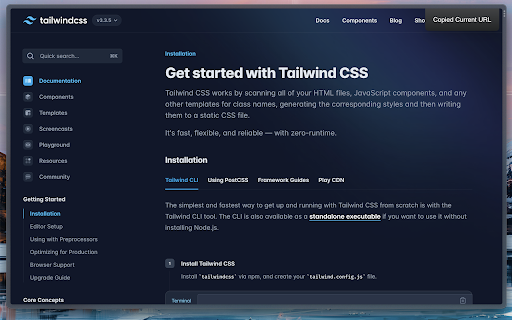
Quickly copy the current tab's URL Copy the current tab's URL with a shortcut.

Tab Copy
Quickly copy tabs to the clipboard in a variety of formats ● Copy the current tab, tabs in the current window, or all tabs. Optionally group tabs by window. ● Select from a wide variety of formats like Link, URL, Title & URL, Markdown, CSV, JSON, HTML, and more ● Create your own formats with powerful format templates ● Choose between using a popup or copying tabs with one click ● Define keyboard shortcuts for your most commonly used ranges and formats ● Add copy actions to web page context menus ● Set up filtering for tabs you want to omit ● Fine-tune your experience with a robust set of options See the docs for more: https://tabcopy.com/docs

Copylink
Click to copy the url of the current page to your clipboard Simply click the button to copy the address of the current website. * Use copylink to quickly send, share, or save the url to a website. * The address is also displayed in a little textbox. Don't forget to rate and share! Enjoy! :)

Copy Paste URLs
Copy Paste URLs, an alternative to the "Copy All Urls" extension (now discontinued): - Copies the URLs of all tags/selected tags to the system clipboard. - Opens multiple URLs in the system clipboard in batches. - Supports Ctrl+C and Ctrl+V keyboard shortcuts. - Supports edit mode, allowing you to manually enter several URLs to open at once. - Compatible with Chrome Listing 3. - Keeps it clean and simple.

URL Shortener & Automatic copy
Generate a shortened URL from the URL of the current page with just one click. - Shorten a long URL with a single click. - Shortened URLs are automatically copied. - Access analysis function is provided. - No membership registration is required.
