
ifgkphejaiiipekdeldjnpfnabipocam

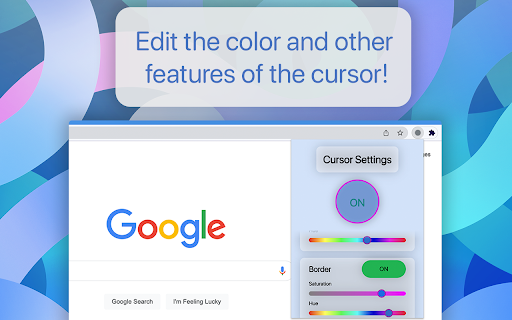
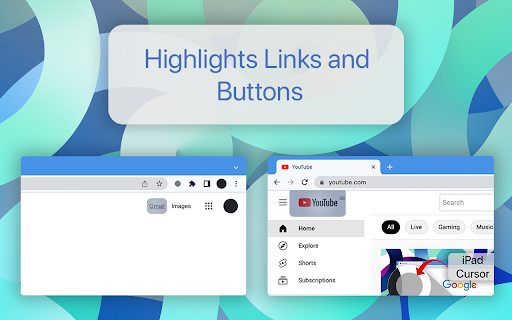
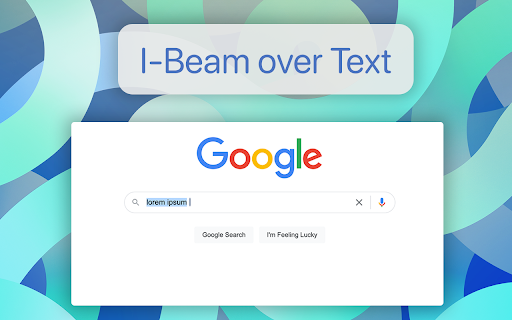
This cursor is made to match the same cursor animations as the cursor introduced into iPadOS. It highlights links and buttons when the cursor moves over them like a bubble. It also changes to an I-beam when hovering over text. You are able to customize the color, the border color and many more features for free! There is an invert feature which inverts the colors behind the cursor. Please note that this extension does not work in some websites, like Google Maps, but users will be able to turn the extension off through the popup. Also it might adjust formating on webpages but this is usually avoided.

Cursor Motion Blur
Add motion blur to your cursor An open-source project that adds cursor motion blur effect to your Google Chrome browser. After you toggle the extension to "ON", the effect will be present in any website, as long as they start with "http://" or "https://" The effect is customizable. You can change the cursor image to match your OS cursor, increase the length of the motion blur, etc. For more information on the activation or customization process, please visit the GitHub page of this project: https://github.com/covector/cursor-motion-blur#readme

Elegant cursor
Transform your cursor for website presentations with a clearer visual journey. This extension is designed to elevate your web presentations to the next level. With just one click, it transforms your cursor into a sleek and attractive tool that allows you to highlight key elements on your screen during your online meetings. You no longer have to rely solely on verbal explanations; simply point and emphasize what you want to effectively and visually communicate. Streamline your web demos and conferences with style using this extension that will make your presentation memorable and professional.

Mini Cursor Follower
a simple cursor animation whenever you open a new tab Browse the web with a simple simple cursor follower animation, every new tab! By clicking "Add to chrome", I accept and agree to installing the Mini Cursor Follower Chrome extension and setting Chrome™ New Tab search to that provided by the service and the Terms of Use and Privacy Policy. The extension will update your search settings and will change your New Tab search services provided by Bing.

Kite Cursor
A kite that follows your cursor! Reminiscent of an older internet, this extension brings kites to follow your mouse cursor around, adding a little fun to your internet use. The kite is yellow, red, blue, and green, and has a few little bows attached to the string. On every website, the kite will follow your mouse. The kite follows gravity, but if you move quick enough, you can do a few fun flips! To disable the kite, click on its icon in the toolbar.
