
hjhjhacdgoodhnndaklickgeoipnmhmh
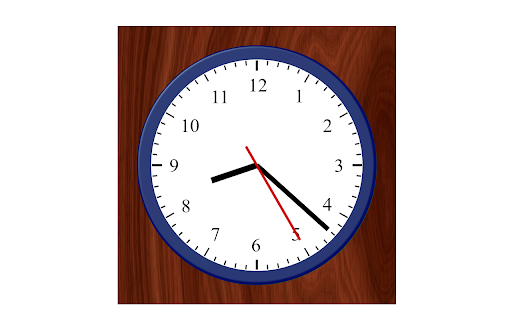
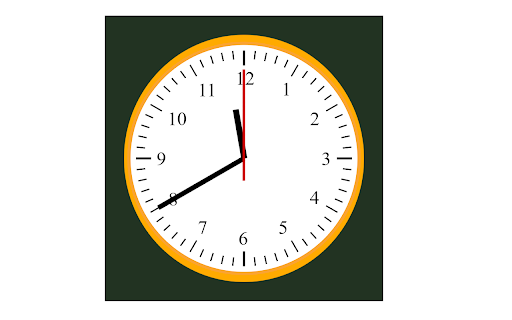
from riverserene.de, simple desktop clock simple desktop clock based on css3 References https://cssanimation.rocks/clocks/ https://www.w3schools.com/graphics/canvas_clock.asp http://www.pagetutor.com/common/bgcolors1536.html

Clock Face: Digital clock for new tab page
Turn the default new tab page into an aesthetic digital clock. Introducing Clock Face: the digital clock extension for your new tab Page If you appreciate the beauty of simplicity, then you'll fall in love with Clock Face! Say goodbye to distracting visual elements on your new tab page and say hello to a sleek and customizable digital clock. With Clock Face, you can transform your default new tab page into an aesthetic masterpiece with its stunning visual schemes that are easy on the eyes. Choose from multiple colorful options to suit your style and mood. FEATURES: - No distractions and useless visual elements. - Shortcuts bar for Chrome Apps, Bookmarks, Downloads & History. - Multiple colorful and eye pleasing visual schemes. - 12/24 hour clock (with or without a leading zero). - Ability to change the clock's size. - Toggle display for seconds, date and weekday. Install now and experience the elegance of a digital clock on your new tab page like never before!

Calendar Clock
A convenient calendar and clock widget. Same as the Chrome App (https://chrome.google.com/webstore/detail/calendar-clock/galgfocamdohgeifjlbefkfpaalankfi) but turned into an extension since Chrome Apps will be shut down soon.

The Worldwide Clocks
The Worldwide Clocks can display time from various cities and timezones around the world with automatic Daylight Saving Time. The Worldwide Clocks are analog and digital clocks plugin based on GMT offsets. Perfect for world clocks. It is supporting automatic daylight saving time conversions for affected time zone. Developed By: Atomlit Labs Credits: jClocksGMT for MIT License

Toolbar Clock
Stylish analog clock in your browser toolbar. Toolbar Clock is a browser add-on that renders a stylish analog clock in the toolbar popup and also a simple analog clock as the toolbar icon. To see the clock, please click on the toolbar icon to open the popup. There are few settings at the bottom of the UI to adjust the clock. There is also a reload button to refresh the clock UI in case an unexpected error happens. Please note that this add-on does not have any options or settings to adjust. All you need is available in toolbar popup UI. If you want to report a bug or have a feature request, please fill the bug report form in the add-on's homepage (https://mybrowseraddon.com/toolbar-clock.html).
