
gdckkpniogfhndklmlgbnolnkbceeofp
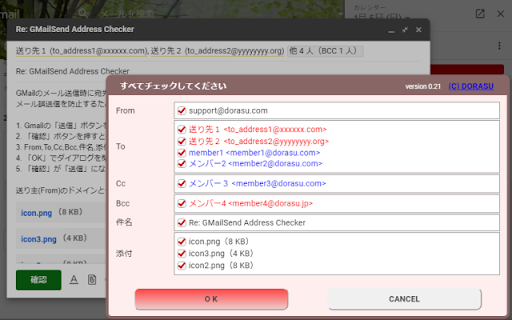


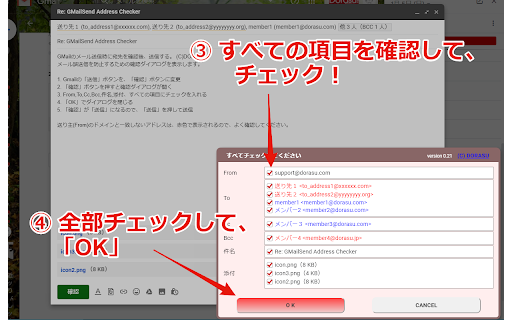
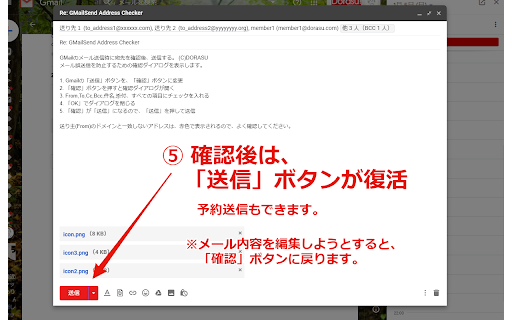
バージョン:0.24.0 * 「Mailtrack for Gmail」と同時使用可能になりました バージョン:0.20 ・不具合対応 Salesforce Inbox for Gmail と併用すると、「確認」後、「確認」ボタンが「送信」ボタンに戻らない不具合解決のため、ロジックを変更。

AI Document
Add a menu to consult LLM (ChatGPT, Gemini, etc) on screens such as Mail and Drive. Sateraito AI.AI Document (Provided by Sateraito Office Co., Ltd.) uses the LLM(ChatGPT, Gemini, etc) API and is a service with enhanced security for corporate use. You can view summaries, ask questions, etc. for documents such as PDF, PPT, Word, and Excel. You can also ask questions by voice. You can also ask questions about the web page you are viewing. Since it is for companies, it is possible to save QA logs, specify prohibited words, restrict use by employees, and mass personal information. Please contact Sateraito Office Co., Ltd. for the management function, which requires a separate administrator installation.

G-calize
On Google Calendar... Sunday, Saturday, Today, and other weekdays, You can select the text color and background color. 1. Click the extension icon or select "G-calize" from the context menu to open the settings screen. 2. Set your preferred colors for each day of the week. 3. Optional: Select a holiday calendar and set holiday colors. * You must reload the calendar page once after installation. * Works with the URL calendar.google.com/calendar. Does not work if you use a Google Workspace custom address. ### 🆕 2024.12.05 Version 2.3.0 - Supports schedule display. - Added a function to display the settings screen in a smaller size only in month view. - Other fine-tuning. ### 2023.11.27 Version 2.1.0 - Added background color and border color to today's color. - Fixed an issue where colors were misaligned in week view. ### 2023.08.20 Version 2.0.0 - Changed the way to open the settings screen. - Renewed the settings screen. - Removed today's text color and background color, changed to accent color selection. - Fixed an issue where the holiday calendar could not be selected. ### 2018.02.02 Version 1.4.0 - Supports the new Google Calendar design.

Calendar Selector for Google Calendar
Save and restore groups of calendars selected Version 0.1.7 - Bug fix: More resilient finding of calendar in the left panel, will skip list items that do not appear to be built-in Google calendar entries Version 0.1.6 - Enhancement: quick fix for Chrome deprecating Manifest v2, upgraded to v3. Some keyboard shortcuts for preset management don't work, but functionality is available in the UI. Version 0.1.5 - Bug fix: Breakage introduced by Google Calendar changing the page HTML structure Version 0.1.4 - Bug fix: Agenda view displays items correctly - Enhancement: Added a license file to the repository (MIT), and provided privacy policy and data practices in the store listing (no data is ever shared or leaves the user's browser). See https://gitlab.com/bluenexa/google-calendar-selector for all version updates This extension creates a set of buttons in the Google Chrome UI that allow you to easily create, save, and display groups of calendar presets. If you have many calendars and often need to switch between which calendars are shown (such as colleagues and teams), this extension is for you. Your presets are stored in your local browser storage and sync across devices automatically (using Chrome's built in syncing mechanism). Keyboard Shortcuts: Press Ctrl+Alt and the highlighted key for the main functions (highlighted key is one of e, s, r, c, i, x, or p). Except Chrome's built-in sync mechanism, the extension functions completely offline in the browser and no data leaves the user's computer. Local storage in the browser is used to persist saved calendar groups and to sync saved groups across computers via Chrome's built-in sync mechanism (tied to the logged in Chrome user). All software is fully open source and available at https://gitlab.com/bluenexa/google-calendar-selector. Built by the team at Bluenexa.

Salesforce
Work with Salesforce records directly in your browser. Sales Cloud Everywhere lets you work on your to-dos, see engagement alerts, create records, and update multiple records. You can use it in your Gmail inbox, or in a standalone window alongside any web page. - Sell where you work: Move deals forward as you move around the web. - Access data anywhere: Bring context to every conversation. - Accelerate deals with real-time buyer data: Engage with people who want to engage with you. What you can do with Sales Cloud Everywhere: - Work with Salesforce directly in Gmail. - View, sort, and complete tasks like sending emails, reaching out on LinkedIn, and updating records, without returning to Salesforce.com. - Connect Salesforce to your Calendar and send calendar links, set availability, and more. - Get real time notifications of recent engagements as you browse the web. - Create and update records from within your Chrome web browser without leaving the current page. - Access and quickly update CRM records like leads, opportunities, and contacts. If you can’t access Salesforce via the extension, ask your Salesforce admin for help. Review the app’s terms of service: https://c1.sfdcstatic.com/content/dam/web/en_us/www/documents/legal/Agreements/software-order-form-supplements/gmail-integration-order-form-supplement.pdf
