
gandnjjljgomdonoidfcjjockjngkjcc
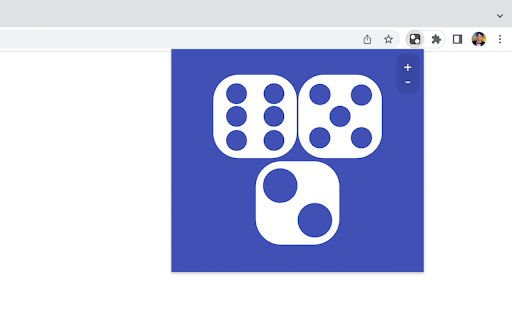
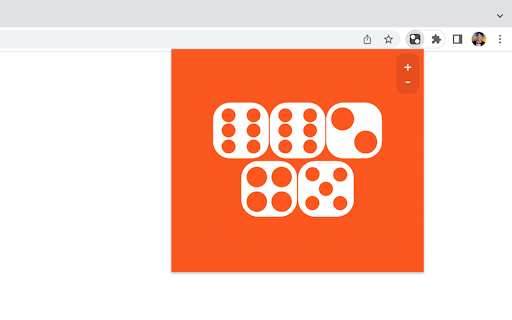

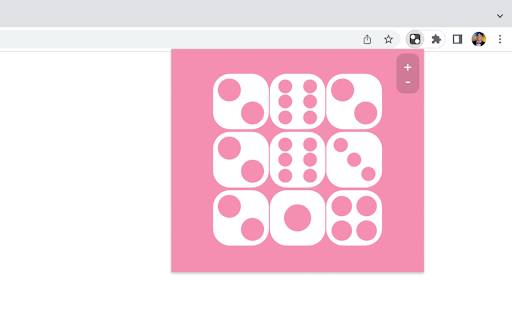
Why roll it if you can throw it? A dice throwing app with a purpose. Packed with amusing animations, sound effects, and constantly changing background colors, this is the ideal dice rolling app for the classroom and family game night. To start throwing the dice, simply click the icon in the top-right of your Chrome browser to open the extension's mini-window. Press the keyboard or click the mouse to throw up to nine dice at once. 2022 Update: Thank you for throwing dice! This extension was created many years ago by a student now entering their first semester at university. Please consider supporting their tuition at http://paypal.me/cameronjsamuels

Rotten Tomato Destroyer
Throw rotten tomatoes in websites that you do not like! Throw one by one rotten tomatoes in any area of almost any site on the Internet. We have all heard of or even seen people throwing rotten tomatoes when disappointed in a live performance. Now you have the opportunity to throw tomatoes in websites that deserve it. Tomato website destroyer for Chrome is always at hand when necessary to blow off steam on sites that really infuriates. Just click on the website destroyer extension icon in the toolbar menu of the browser and throw tomatoes by mouse clicking in the nasty sites. Tomatoes will fall on the webpage and flatten out on its surface, spraying the pulp and juice on the sides. Let the websites know your anger and resentment. Use Tomato destroyer game! And also it can be used for streaming and video to express how your feel about bad web sites, pages and services. In the new release, we have added a collection of objects for throwing in websites: - Rotten tomato; - Slime; - A rotten egg; - Banana.

aB Fish
Add a touch of nature to your browser with these small, hungry fish. Watch them as they follow your mouse hoping you will feed them by clicking the surface of the water. Click the colors link to color the fish, the water and the food.

Cursor Motion Blur
Add motion blur to your cursor An open-source project that adds cursor motion blur effect to your Google Chrome browser. After you toggle the extension to "ON", the effect will be present in any website, as long as they start with "http://" or "https://" The effect is customizable. You can change the cursor image to match your OS cursor, increase the length of the motion blur, etc. For more information on the activation or customization process, please visit the GitHub page of this project: https://github.com/covector/cursor-motion-blur#readme

Tiny Tycoon
Tiny Tycoon is a casual-clicker game where you gather resources by clicking materials. The more you gather, the greater your tycoon becomes. Tired of clicking? Hire a workforce to do it for you! Assign tasks to workers to gather enough resources to build your rocket ship. Launch your rocket to start a new mission. Features: - Play offline (no internet needed) - Unlimited procedurally generated worlds - Easy controls - Retro 2D/3D artwork - Rewarding gameplay - Stats to track your progress - Option to save laptop battery life Updates: v1.0.8 - Added a "time" statistic (useful for speedruns) - Fixed a bug where you could build on clouds. v1.0.6 - Added option to create new records. - Added option to delete records. - Fixed FPS drop by limiting text on screen. - Fixed stats not updating when starting a new record. v1.0.5 - Reduced cost of worker to 50 wood, 50 stone, and 50 iron v1.0.0 - Added rocket ship to complete the mission
