
delicdfbcpogjjfcobfkdgahdadoninm
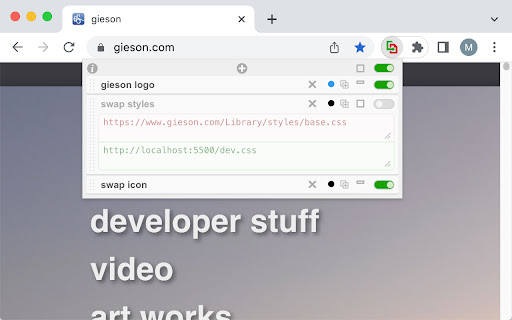
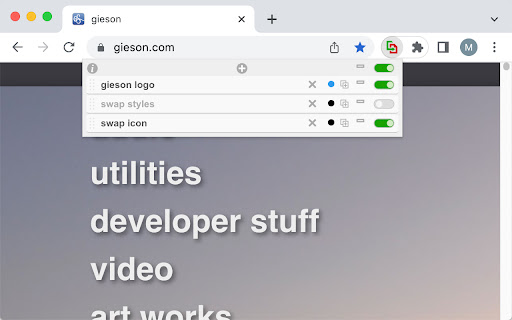
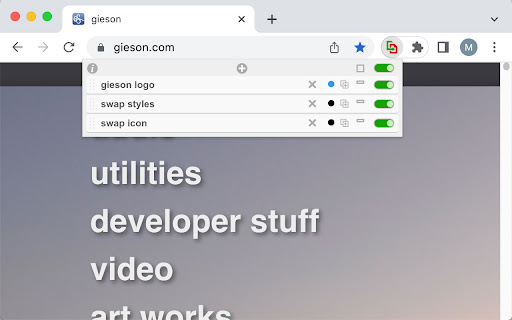
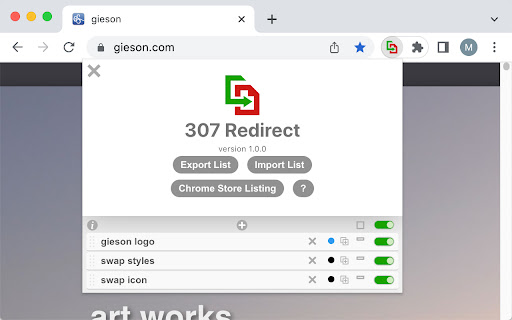
This extension intercepts network requests "on the fly", and causes the browser to use a different URL to load a file. This allows you to swap files on pages without having to change source code or upload/push changes. Works for scripts, images, css, or any other file transferred over the network. - Replace URLs - Block URLs - Regular Expression compatible (regexp, wildcards) - Disable / block source files - Toggle Individual items on/off - Drag and drop to re-arrange items - Export/Import for sharing - Color code items to quick-reference related items - Duplicate item Traditionally, web servers have a mechanism to redirect resources at the server-level, known as "307 Temporary Redirect", which provide a "307" status code to the browser. Server-level redirects are altogether different animals than browser-based redirects, but the end result is the same -- the browser does not fetch the original resource, it fetches the resource that the redirect is pointing at. This extension provides the same functionality as server redirects, but at the browser level -- allowing local and AB testing without having to alter source code, nor push updates to a server.

Digital Data Viewer (DDV)
View, filter and save Adobe Analytics and Adobe Experience Manager (XDM / Alloy) data from developer tools. Digital Data Viewer (DDV) captures requests made to Adobe Experience analytics platforms (AppMeasurement + XDM) and presents the information from your digitalData data layer delivered to Adobe for page view and link click event tracking in devtools panel. - Compact view tied to each tab, for focused evaluation of data dedicated to analytics analysis. - Incorporates Tag Management System info (Adobe Launch and Tealium) including build, property, report suite into each request. - The filter mechanism allows for simple string search, as well as regexp, and filters out request so only those that include the matching value are displayed - Export all request as: CSV, TEXT, HTML, JSON -- allowing for the capture of an entire "flow" for further analysis offline. - Forward events to your endpoint to assist with Adobe Event Forwarding local development.

Url Redirector
To redirect the URL from X to Y based on user provided filters. In addition, can have excluded paths This tool is use when we need to auto redirect the url from x to y. In addition have option to allow the excluded path. In this case if the request url matches the exclude path that is /checkout then it won't route https://www.xyz.com/checkout to https://www.abc.com/checkout. Note: All the params will be automatically carry forward if params are not added over source url. Original Url: https://www.xyz.com?someparam=somevalue&anotherparam=anothervalue Then route carry forward the params over destination automatically and the final url will be https://www.abc.com?someparam=somevalue&anotherparam=anothervalue

URL Redirector
Automatically redirect URLs based on custom rules Automatically redirect URLs based on user-defined regex rules.

reRoute: Redirect HTTP requests
Configure and manage dynamic redirect rules for HTTP requests. The reRoute Chrome Extension allows users to set up dynamic redirect rules for HTTP API requests. It can redirect requests based on specified URL patterns, making it easy to switch between different environments (e.g., development and production) or change the API endpoints without modifying the application code.
