
daifepjkmeaghpkmnljbmkpacimoagam
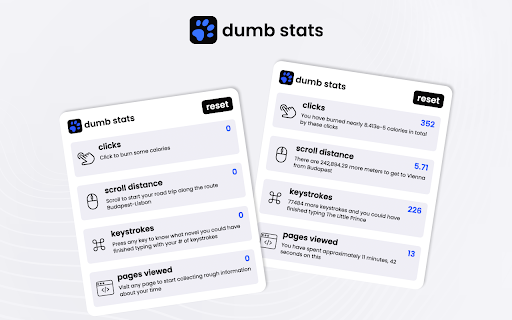
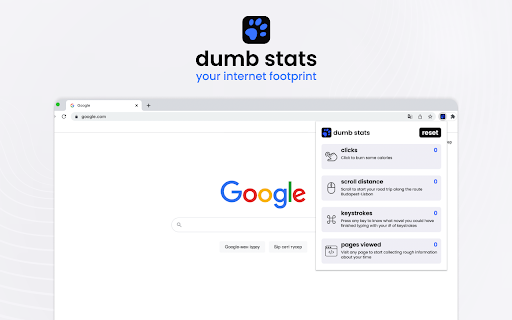
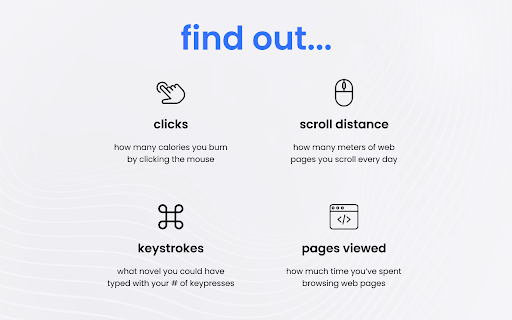
Monitor fun statistics about your web activity with Dumb Stats. Dumb Stats tracks user actions such as clicking, scrolling, typing, and opening pages and calculates fun statistics about these actions. You can know - How many calories you burn by clicking a mouse; - How many meters of web pages you scroll every day; - What novel you could have typed with your number of keypresses; - How much time approximately you have spent browsing internet. [ Please, pay attention ] - Because of the Chrome restrictions, Dumb Stats do not work on the Web Store pages and pages such as “new tab”. In order to see how it works, please, open any other website and try it there. - After installing the extension, reload the previously opened pages if you want the extension to count them as “viewed pages”. Clicks, scroll, and keystrokes are calculated without reloading. - We do not collect or store any of your personal information. Data about the number of clicks, scrolls, keystrokes, and pages viewed is stored in your browser’s local storage. Press the reset button, if you want to clear the previously collected data and set everything to zero. We hope you enjoy Dumb Stats!

It's a Small World
The tool shows us the opposite words of the keyword we search for on Google and encourage to see a wide range of opinions. When you search on Google, the extension will sometimes show you the opposite word(s) of the keyword you search for, in the lower right corner of the search box. The purpose of this experimental tool is to encourage us to see a wide range of opinions and to prevent a "Filter Bubble". *This tool extracts one word from your search terms on Google and shows you the opposite word(s) . For example, If you search "I hate spider", the extension shows you "love" with the url of the result page of "I love spider". Antonyms are retrieved in order from the front of the sentence.

Dizzy Web
Make your web dizzy :) Everything looks crooked and wobbly. #Note: Reload tabs or browser after installation for it to work.

Would You Rather
Test your choices & challenge your decision-making. Ready to embark on a thrilling journey of choices? Explore your decision-making skills with Would You Rather, the fun Chrome extension that gives you some tough choices to make. This isn't your average game — it's a party stimulator, and a boredom demolisher! Choose from four different categories and dive into a pool of more than 100 thrilling questions. Dare to break the routine and unleash the fun with Would You Rather. Add it to Chrome now and let the good times roll.

Catloaf, where are we?
Ask the loafing cat where you are and he'll meow the page title at you. Tabs can get narrow and their titles become unreadable. Sometimes the top of the browser is cluttered with open tabs and the title is obscured by clouds or whatever. If you ever wonder where you are while browsing and need to confirm the name of the active web page in your browser, just click on the extension icon and a cat in a loafing posture will tell you the tab title.
