
cobeolghfehacidcnidganniblghhnjm
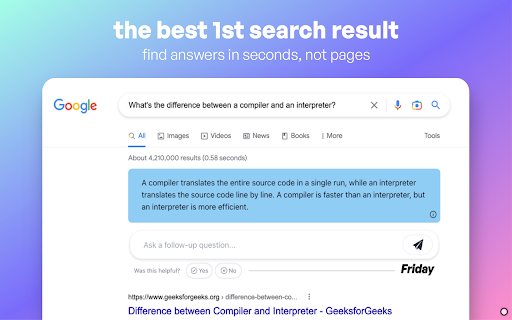
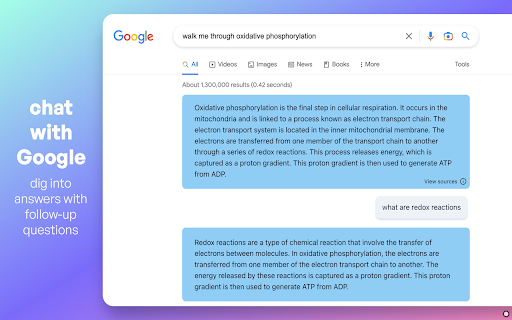
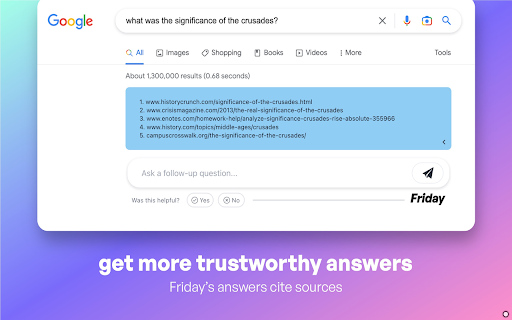
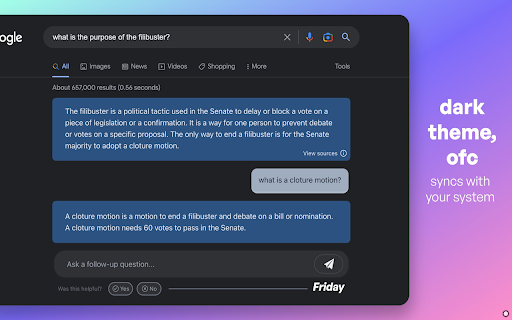
The best 1st search result Friday is your personal answer assistant, helping you learn and find the answers to your questions using groundbreaking AI.

Spot Ai
Get the answers of questions that matter most to you. 🌟 Meet Spot AI - your new browsing buddy! 🌟 🤩 It reads the webpages for you, to answer your questions from their content. 🔍 Research and uncover info with ease using Spot. ⚡️ Ready for Chrome, Brave, and Arc. Download Spot AI now! Once installed in the browser, can be launched with: 👉 CMD/CTRL + K 📌 Pin it in your browser for best experience.

Suggesty
Get human-like answers powered by GPT-3 to your Google searches With Suggesty extension, there is no need to scroll through all results pages - you can get the answer straight away. How does it work? We send your anonymized Google request to GPT-3 and display its answers on the Google page. What can I do with that? - Grammar correction. Type “fix grammar” to correct your sentence. - Translation. You can easily translate your text into other languages. For example, type “translate to french my name is Nick” - Recipes. Create a cocktail recipe from the ingredients you have. - Any other request. Do you need a movie recommendation? Don’t you know how a refrigerator works? Do you need a step-by-step guide on how to achieve something? Just type that, and GPT-3 will cover you!

Ausum
Turn any article into a short audio summary, with just one click. Ausum is a free Chrome extension that turns every article into a short audio summary, with just one click. When you find an article you want to summarize, just click the Ausum icon and listen to the summary, instantly. * No Sign-Up Required: getting an audio summary is always a click away. * Avoid Ads: avoid all the distractions and annoying ads on the article, with a better, cleaner experience * Instant Smart Summaries: smart summarization technology ensures you get the most important, accurate highlights of any story. * Save Time: with audio, you’re free to do other tasks, listen while walking, or deep-diving the web. * Download Audio Summaries: all your articles so you could listen anytime, anywhere * Natural Voice: high-quality text-to-speech technology, for a natural listening experience. * Share: share summaries with others. Ausum turns text into lifelike speech. Users can automatically summarize any webpage into audio, as you browse. With just one click, Ausum generates a summary including the important ideas and facts of any long article, research report, document, essay into a downloadable recording you could take with you. Save time and read smarter, with audio. Next time you’re reading the news, science research journals, health reports, or sports analysis… Ausum will convert all your long text into a short-form audio summary so you can listen for the most important, accurate highlights. We are constantly optimizing and improving our text to audio summary extension, so if you see bugs or have suggestions to make Ausum better, please don't hesitate to provide feedback.

BrowseGPT
Automate your browser with artificial intelligence. Give BrowseGPT instructions like "Find a place to stay in Seattle on February 22nd" or "buy a children's book on Amazon", and it will use artificial intelligence to attempt to complete the task for you. BrowseGPT uses OpenAI's gpt-4o-mini model to process web pages and issue commands like CLICK, ENTER_TEXT or NAVIGATE. Is it useful? Sort of... sometimes it will get stuck in a loop, click on the wrong thing, or navigate to a URL that 404s. It provides a reason for every decision it makes so you can help it correct course if necessary. ⚠️ This is an experimental extension and should be used with caution. Don't use this on pages with private information, or pages where taking the wrong action could cause a serious problem. ⚠️
