
aehhfaajmbfedimmojbbnphhgoojnjei
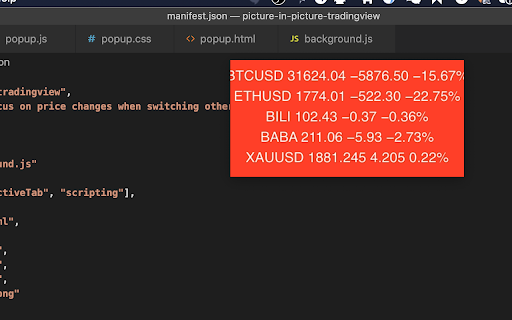
All time watching price changes on your pc for Tradingview users.

Chartlink Dashboard to CSV
Extract stock symbols as CSV output and load it into TradingView Extract the symbols from the Chartlink dashboard as CSV text and load it into TradingView for further analysis. In a single click, you can get the CSV text for every table displayed on the dashboard.

Screener to TradingView
Quickly switch between stock analysis pages on Screener.in and TradingView.com. Seamlessly switch between Screener.in and TradingView charts with one click Enhance your stock analysis workflow with our Chrome extension, designed to provide quick and easy navigation between Screener.in and TradingView. Whether you're analyzing fundamental data on Screener.in or diving into technical charts on TradingView, our extension reduces the hassle of manually switching tabs or typing URLs. With a simple click, you can effortlessly toggle between the platforms for any stock symbol, saving time and streamlining your research process. Perfect for traders and investors seeking a more efficient way to access their favorite analysis tools.

TradingView Settings Exporter
Export, import, and save TradingView indicator settings Export, Import, Save, Update, Load and manage settings for indicators and strategies in Tradingview. If you find yourself experimenting with different settings on indicators/strategies and need a quick and easy way to store and retrieve that information for later use then this is the tool for you. You can also share the settings with others.

Algosys Tradingview Extention
This is a TradingView extension to Automate any strategy & send alerts to ALGOSYS. Using this extension can place order directly from the TradingView chart to your favourite broker using manual BUY SELL SHORT COVER buttons. This Algosys TradingView Extention can also work with the free version of TradingView too. For more details visit https://algosys.co.in or send mail to info@algosys.co.in
