
mmppbafobakmpfdhgdmbokodhdcecaii
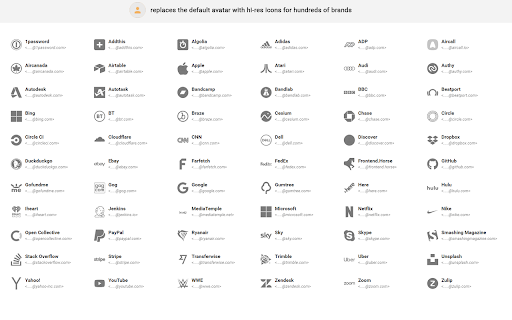
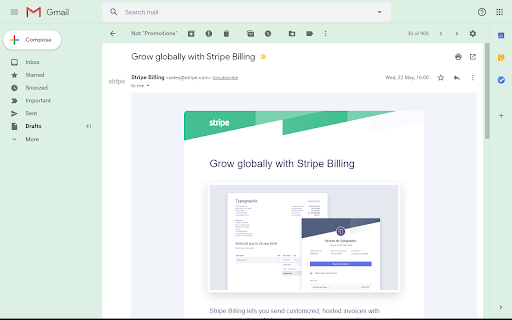
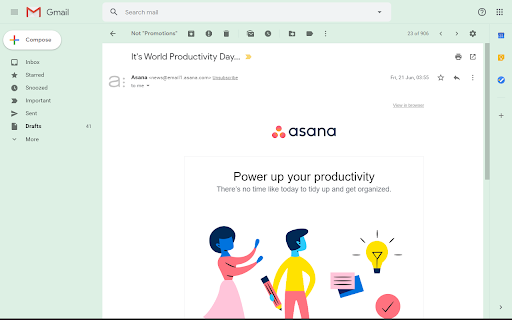
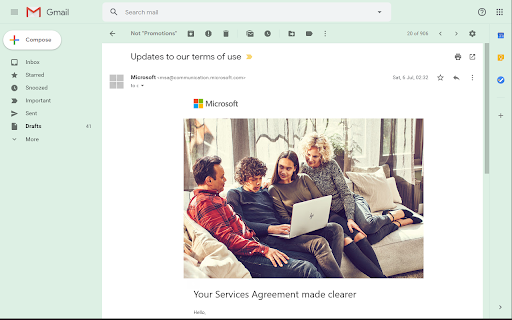
Unofficial Plugin. Displays avatars brand icons for senders in message view Adds sender avatar icons for hundreds of popular brands - Super-fast with no JavaScript or external resources - All icons are hi-res SVG from Font Awesome (https://fontawesome.com/icons?s=brands) - Free and Open Source database (https://github.com/coliff/sender-brand-icon-avatars-for-email)

HighlightAI
Chat on highlighted cell number on Whatsapp. Search highlighted text on FB, LinkedIn, X, Quora and TikTok. Search using AI Unlock a smarter way to browse and connect with Highlight AI, the Chrome extension that transforms your online experience. Highlight text to instantly search across Quora, TikTok, X, and Facebook, or start a WhatsApp chat by selecting a phone number—no copying or pasting needed. With its intuitive design, Highlight AI seamlessly boosts your productivity and engagement. Perfect for social media fans, researchers, and professionals. Download now and elevate your digital life! This concise, engaging description highlights key benefits, targets a broad audience, and includes a strong call to action to attract more users.

TweakSync
TweakSync lets you style web elements in real-time from Chrome and sync changes with VS Code for a smooth development experience. TweakSync is a powerful tool designed for front-end developers and web designers who want to streamline their styling workflow. This Chrome extension enables real-time styling of web elements directly within Chrome, allowing you to see changes instantly as you tweak styles. Real-Time Styling: Easily select any element on a webpage and adjust its styles on the fly. With live previews, you can see the impact of your changes immediately, making the styling process more efficient and intuitive. Seamless Integration with VS Code: TweakSync syncs your style changes directly with your VS Code environment. This integration allows you to apply and save your CSS changes effortlessly, ensuring that your development process remains smooth and uninterrupted. Efficient Workflow: By bridging the gap between your browser and your code editor, TweakSync eliminates the need to switch back and forth between tools. This results in a more streamlined workflow, saving you time and effort. Boost Your Efficiency: Save time with instant style updates and seamless integration with VS Code. TweakSync helps you make changes faster and more accurately. Improve Your Design Process: Experience a smoother design workflow with live previews and direct synchronization between Chrome and VS Code. Streamline Your Development: Minimize context-switching and keep your development process focused with TweakSync is real-time styling and VS Code integration.

PromptSync
Ask ChatGPT, Bard AI, and Bing Chat with one single prompt! Unlock the power of four dynamic chat platforms with a single prompt! Introducing PromptSync, your all-in-one solution for chatting with ChatGPT, Bard AI, and Bing Chat, through a convenient Chrome extension. Multi-Platform Chat Engage in conversations effortlessly with ChatGPT, Bard AI, and Bing Chat from a single prompt. Get diverse perspectives and responses to your queries. Customizable Experience Tailor your chat experience to your liking! Enable or disable individual chat platforms according to your preferences through the settings menu. Efficient Workflow Streamline your workflow by accessing multiple chat services without switching tabs. Save time and stay productive as you harness the combined intelligence of four powerful chat systems.

Tolon Browser Extension
Find webpage discussions on the web. (e.g. Hacker News, Reddit) Tolon (토론) is a browser extension that helps you find discussions around the pages you're looking at on the web. It works by searching available sources for URL submissions. While viewing a webpage, opening the extension will search available sources for URL submissions (discussion threads) and present a list of results. Tolon is mostly JavaScript plus a little CSS. There are no trackers. No data is sent (aside from the page URL query) or shared. All of the code is available on GitHub.
