
mcfpbbfbckmccemckgblgnefdniicgaj
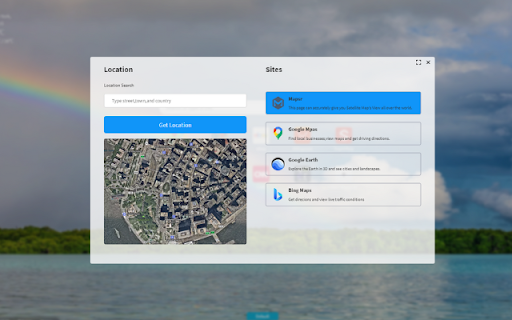
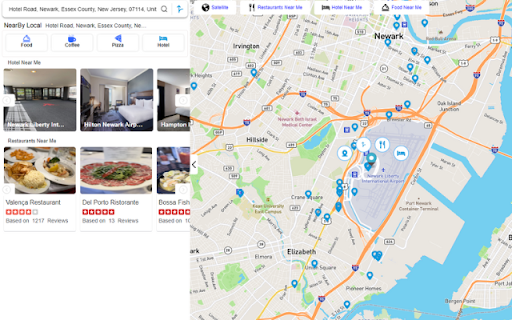
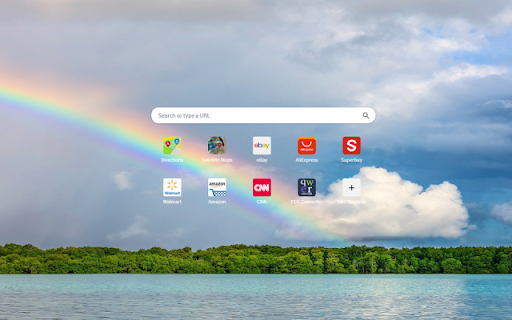
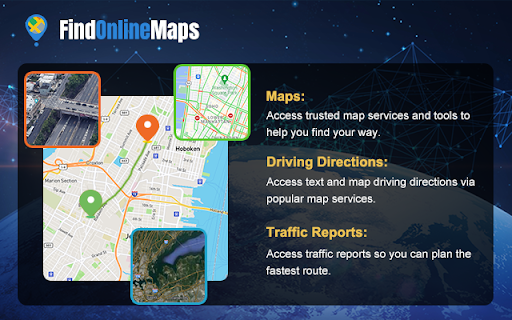
FindOnlineMaps featuring quick search, satellite maps,driving directions, and more. FindOnlineMaps extension is all you need to start browsing with quick access to online maps & driving directions & web search. Discover satellite maps, driving direction, and street view at your new tab.Explore the world with just a click, opening a new tab to view the wonders of our planet. * Personalize your startup page. * Includes weather, time, maps & directions and other components. * You can upload pictures as wallpapers, or upload videos as live wallpapers. By installing this extension you agree to the data protection regulations (https://findonlinemaps.xyztab.com/privacy.html). By installing this extension you agree to the main principles in order to use our service: https://findonlinemaps.xyztab.com/terms.html Used authorizations and reasons: "Replace the page that appears when you open a new tab." The Installation of this extension will configure your New Tab Page to FindOnlineMaps and Changing your search engine to aakkgo.com.

Maps Driving Directions
Use the Maps Driving Directions extension to search for relevant information about a location through your browser's search box.… Use the Maps Driving Directions extension to search for relevant information about a location through your browser's search box. The Maps Driving Directions search will display the search results from your default search engine in a Yahoo format. By installing this extension you agree to the data protection regulations (https://g-maps.com/privacy-policy). By installing this extension you agree to the main principles in order to use our service: https://g-maps.com/terms-of-service

Street View Tracker
Unlock the potential of Open Source Intelligence (OSINT) with Street View Tracker, a powerful Chrome extension designed for… Unlock the potential of Open Source Intelligence (OSINT) with Street View Tracker, a powerful Chrome extension designed for investigators, researchers, and enthusiasts alike. Seamlessly integrate Google Street View with your research, allowing you to visualize exactly which streets you have been down before! Key Features: Coordinate Tracking: Effortlessly capture and save geographic coordinates as you explore Google Street View. Perfect for mapping locations during investigations or research projects. KML File Support: Download your collected coordinates in KML format for easy integration with mapping applications or GIS tools. User-Friendly Interface: Intuitive design makes it simple to navigate, whether you’re an experienced investigator or new to OSINT. File Upload Capability: Load existing KML files into the extension to manage and analyze previously collected data efficiently.

Get Maps & Driving Directions
Use the Get maps and driving directions extension to search for relevant information about a location through your browser's… Use the Get maps and driving directions extension to search for relevant information about a location through your browser's search box. Get maps and driving directions Search sets your default search engine to Yahoo. By installing this extension you agree to the data protection regulations (https://m.mapsr.com/getmapdrivingdirection/privacy.html). By installing this extension you agree to the main principles in order to use our service: https://m.mapsr.com/getmapdrivingdirection/terms.html

Map Overlays
Provides an easy way to change the satellite images displayed in Google My Map and Waze Map Editor. There's several international maps available and some country specific (Romania, Poland, Check Republic, France). After installing the extension, you'll need to pin it to your Chrome toolbar. This will make its icon appear at the top of your browser window. Once pinned, you can use the icon to interact with the layer selection menu and other extension features. There is a shortcut, default Alt+L, to switch between the default layer and selected layer. You can change the keybinding in the chrome settings chrome://extensions/shortcuts Do not use layers for editing the maps unless you comply with the terms of use specific to each layer provider.
