
loajlbnjklnlhdhelebjdaoihalpgcjf
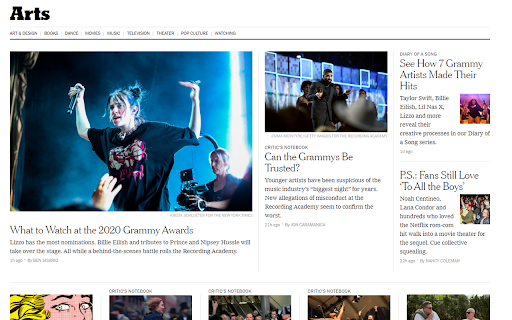
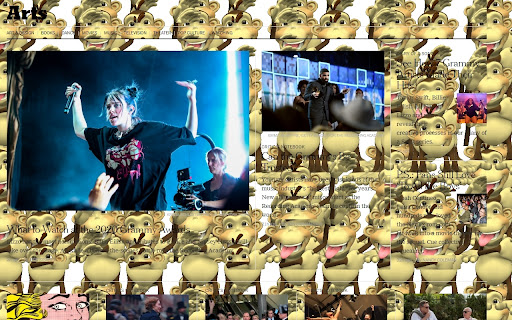
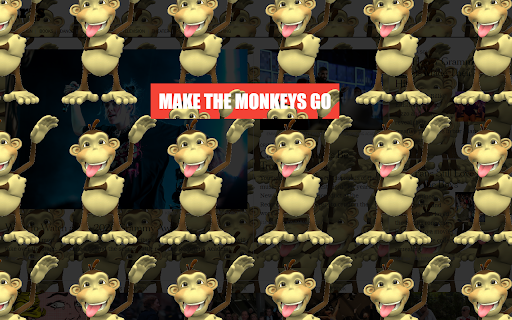
Some fellow Chrome user left their computer unattended and you want to play a joke on them? This group of monkeys is ready to invade every new tab. Fortunately for our victim, they will be able to make the monkeys go away just by clicking on one button that will appear a few seconds after the tab has been invaded. But maybe it won't be that easy...

Faro
Save pages with highlighted taglines - Bookmark manager ⨯ web highlighter Chaos in your bookmarks? Can't find what you want? They end up gathering dust? Or you don't even try and end up with 100s of open tabs? Faro is made to fix that! It's the simplest way to save & keep track of pages. With it, even thousands of saves don't get overwhelming. When saving, you highlight a sentence to act as a tagline. It helps you remember what the page is about and why you saved it. If unsure - just save whatever sentence you're reading. All saves appear on your dashboard. They come most-recent-first by default, so you don't forget what you recently saved. You can pick up your reading where you left off - no need for a separate reading list. You can also pin & archive to further arrange it. Organize them with tags. Since you're reminded what you saved and why, you can do it later. It makes your saves much easier to manage than bookmarks. Faro supports nested tags (eg: recipes/vegan), so combines the best of tags and folders. Clicking a save takes you right back to your highlight - especially useful for longer articles. Also: ➣ export to bookmarks to keep them if you uninstall Faro ➣ copy links to highlights and share them or paste into Notion, Obsidian, etc. ℹ️ About your data: When installing you can read: "it can read and change all your data on all websites" The only information that ever gets uploaded (when signed in) when you use it to save: ➣ Open page address ➣ Saved highlight/quote - what's visible in the sidebar ➣ Timestamp ➣ Debug info e.g. errors The extension also keeps track the currently open tab for each window - to update the sidebar as you navigate - but doesn't save or upload that data.

HiBarbie
When an HTML element defined with the '' tag (a link) is clicked, the current web location changes to the official video of Barbie Girl by Aqua uploaded on YouTube by AquaHoldet (https://youtu.be/ZyhrYis509A?t=15). This extension is intended to be used as a friendly prank. FYI: Extensions are not activated automatically when they are installed. This extension, like many others you have tried probably, starts working on all the corresponding tabs at the right moment it is installed, but this is not the default behaviour. Take in mind that if you install an extension sometime and it doesn't work on the tabs you have already open, you may need to refresh those tabs with F5 key or by clicking on the reload button located in the browser's top left corner.

TimeCrunch Tennis
AI-powered extension that removes non-playing time from tennis matches on Tennis TV and Tennis Channel Plus. The TimeCrunch browser extension is essential for anyone with an ATP Tennis TV or Tennis Channel Plus account. TimeCrunch uses AI to find and then skip over downtime during a tennis match. TimeCrunch is very light weight and will not increase your data usage. We also do not collect any of your browser data.

Monkey Invasion
Some fellow Chrome user left their computer unattended and you want to play a joke on them? This group of monkeys is ready to invade every new tab. Fortunately for our victim, they will be able to make the monkeys go away just by clicking on one button that will appear a few seconds after the tab has been invaded. But maybe it won't be that easy...
