
lkmnoeojcpmcpjlbhbjbilpmccfljdoj
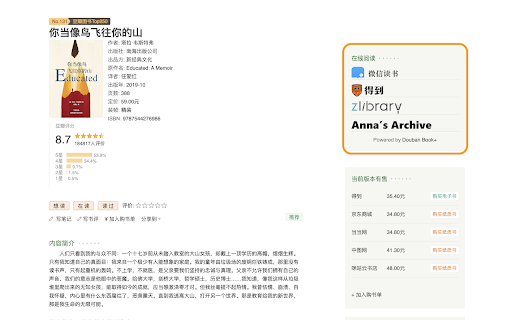
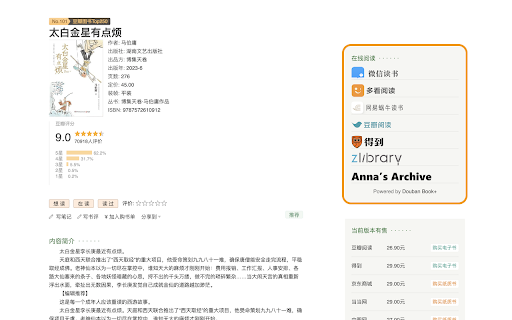
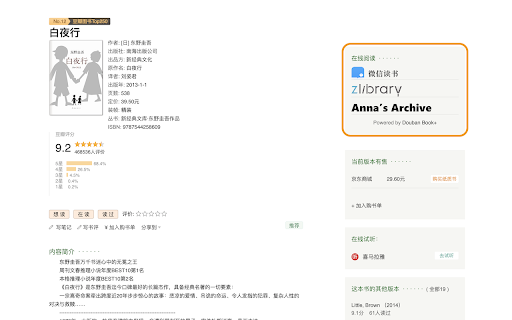
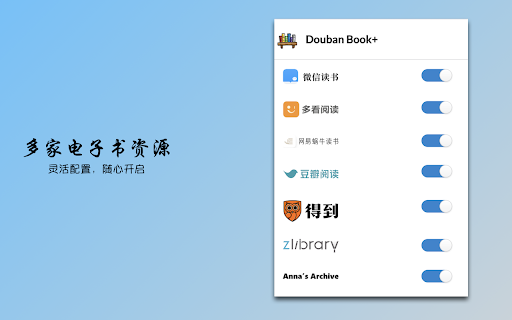
Only 1-click from Douban to your favorite ebook platforms

微信读书笔记助手
一个还不错的微信读书笔记工具,方便你导出书本标注等内容,对常使用 Markdown 做笔记的用户比较有帮助。 特性如下: 1. 一键导出标注、想法、目录; 2. 导出格式自定义; 3. 一键复制图片、注释、代码块; 4. 护眼色主题; 5. 标注搜索、标注目录; 6. 借助正则匹配对标注进行处理; 7. 选中后自动标注、自动复制或自动查询; 8. 解除右键限制; 13. 读书页图片、代码块放大。 项目地址:https://github.com/Higurashi-kagome/wereader 问题反馈: - Github:https://github.com/Higurashi-kagome/wereader/issues/new/choose - Email:higurashi-kagome@qq.com

豆伴:豆瓣账号备份工具
用于备份豆瓣网的用户数据及图片,并支持将备份数据导出到 Excel 文档。现已支持manifest V3 (By wangyeming)。 功能: • 备份本人或他人的豆瓣账号数据 • 脱机浏览备份数据 • 将备份数据导出为 Excel 文件 • 将备份数据中的图片上传到 Cloudinary 云存储 • 迁移备份数据到当前豆瓣帐号 支持的备份项目: • 广播 • 标注的电影、音乐、书、游戏、舞台剧 • 影评、乐评、书评、剧评 • 读书笔记 • 日记 • 相册 • 我/他关注的人 • 关注我/他的人 • 黑名单(仅支持本人账号) • 豆邮(仅支持本人账号) • 创建的豆列 • 留言板 支持的迁移项目: • 标注的电影、音乐、书、游戏、舞台剧 • 读书笔记 • 我/他关注的人 • 关注我/他的人 • 黑名单 注意:该工具在获取数据时,可能会因为频繁访问豆瓣服务器而导致当前账号被锁定。需要使用注册手机发送短信才能解锁豆瓣账号,如果由于某种原因而无法操作解锁步骤,请谨慎使用该工具。 建议在设置中将“请求间隔”设置成更长的时间(默认为1秒)。

RSSHub Radar
Easily find and subscribe to RSS and RSSHub. - Discover and subscribe to the RSS feeds associated with the current page effortlessly. - Explore and subscribe to the RSSHub supported by the current page promptly. - Easily identify the RSSHubs supported by the current website quickly. - Supports one-click RSS subscription for various platforms including Follow, Tiny Tiny RSS, Miniflux, FreshRSS, Feedly, Inoreader, Feedbin, The Old Reader, Feeds.Pub, Local Reader... Made with ❤️ by DIYgod

Cubox
Highlighter, Clipper, AI Reader. Read, annotate and take notes with AI assistant. One-click Saving, Clipping, Highlighting and Taking Notes. Cubox is an AI reader built for learning. With the Cubox browser extension, you will unleash the full potential of highlights and notes. • You can quickly select multiple sections of text, images, or links on a webpage with just one shortcut, and easily highlight or clip them. • In capture mode, you can multi-select, or click and drag to batch select adjacent content. • Select contents on webpage with mouse dragging, then highlight them with just one click. • It supports adding notes, changing colors, allowing you to fully experience all the highlighting features right on the webpage. • Get a quick understanding of the article’s summary through summarization. Use key questions to understand the main points of the article and their answers. • Automatically highlight with Ghost Highlight and mark your favorite sections with annotations. • Save the web page you are browsing with one shortcut. • Save web snippets by dragging, Capture, dropping, and right-clicking. • Suggest tags, website title, description, and cover image. • Update information for already saved content. • Automatically detect same saves. More features on https://cubox.cc/ Please visit the Cubox web app or download Cubox apps. Your collections will automatically sync across all your devices.
