
kkkmllcaoomjhohpmbjdffenjkidginf
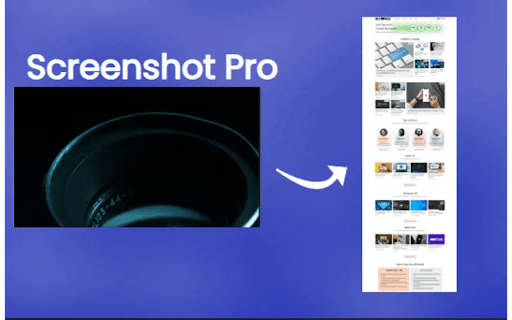
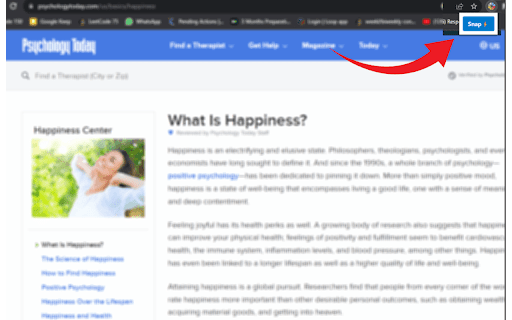
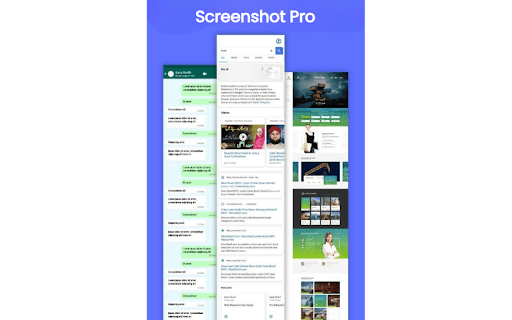
Complete Page Screenshot Do you find yourself needing to capture entire web pages for work, research, or personal use? Look no further! Capture It All is the Chrome extension you've been waiting for. With just a few simple clicks, you can effortlessly capture full-page screenshots of any website and download them in seconds. But what sets Capture It All apart, and why should you install it? Full-Page Screenshot Capture: Capture the entirety of web pages, including content that extends beyond your screen's view. No more piecing together multiple screenshots or missing critical information. Effortless Download: Quickly and easily download your full-page screenshots as image files (PNG or JPEG). No need to rely on third-party tools or complicated processes. Time-Saving Convenience: Streamline your workflow, whether you're conducting research, archiving web content, or simply saving information for later reference. Capture It All ensures you capture everything in one go. User-Friendly Interface: Our extension is designed for ease of use, making it accessible for both casual users and professionals. But why should you consider installing Capture It All? Let's delve into the real benefits: 1. Enhance Your Productivity: Whether you're a student, professional, or just a web enthusiast, Capture It All is a productivity booster. It eliminates the need for manual scrolling and stitching multiple screenshots, helping you complete your tasks faster and more efficiently. 2. Elevate Your Communication: Visuals speak louder than words. Capture It All empowers you to create comprehensive visual aids, perfect for explaining ideas, showcasing web content, or providing feedback to colleagues, clients, or friends. It simplifies communication, making complex concepts easier to grasp. 3. Supercharge Your Research: If you're a researcher or information gatherer, Capture It All is your secret weapon. Capture entire web pages, preserving valuable sources and references exactly as they appear, without missing any critical details. Say goodbye to information loss. 4. Enhance Learning and Documentation: Students can benefit greatly from Capture It All. Capture lecture notes, educational content, or web articles in their entirety, making it easier to review and study. The extension ensures you never miss a single piece of information. Capture It All is a versatile and valuable tool that can save you time, improve your work quality, and help you achieve your goals more effectively. Say goodbye to the hassle of taking multiple screenshots, and start capturing full-page screenshots effortlessly. Experience the difference for yourself – install Capture It All today and revolutionize the way you capture web content! Download now and start capturing it all!

Screenshot X
Screenshot X - the fastest and easiest way to take and share screenshots! Capture and Share Full-Page Screenshots with Screenshot X! Download Screenshot X for FREE to instantly capture and share full-page screenshots. Open the app, and a browser toolbar icon appears. Click the icon to grab a screenshot and save it immediately. Simplify your screenshot process with Screenshot X. A full-page screenshot is a comprehensive capture of an entire webpage or document, including all visible content from top to bottom. Unlike traditional screenshots that only capture the visible portion of the screen, full-page screenshots provide a complete representation of the entire page, ensuring no information or details are left out. With full-page screenshots, you can easily capture and share entire webpages, articles, designs, or any other content that extends beyond the visible screen area.

Full Page Screenshot
An powerful tool to capture entire webpage or selected area and annotate inside editor A smart screenshot capturing tool which provides you lot of powers with precise result to capture your web pages. It offers all the essential feature that makes it must have browser application for Capturing any webpage. Besides full page, you can easily capture selected area, current veiwport and annotate, edit with a powerful built-in image editor. ✅ Full page screenshot capturing ✅ Capture selected area ✅ Capture viewport or visible window ✅ Copy selected area of screen as image ✅ Export screenshot as PDF or Image ✅ Powerful annotation tool with tons of features ✅ High resolutions Screenshot images ✅ Highest degree of accuracy ✅ Simplified Interface ✅ Keyboard Shortcuts Made with ❤️ by Rahul Baruri #screenshot #capture #full page screenshot #capture #screen capture

Screenshot Master: Full Page Capture
Easy, free and full-featured screenshot app to capture, edit and save your screenshots. An easy-to-use, yet functionally powerful screenshot tool! Lets you capture the whole page screenshot with just one click. It works just like the native feature of Google Chrome to capture screen but in a more optimized way. ✍ Advantages: ☑︎ Easy and user-friendly interface ☑︎ No restrictions on use ☑︎ Create full-page screenshot ☑︎ Create visible area screenshot ☑︎ Keyboard Shortcuts ☑︎ Best Quality, High-Resolution screenshots, PNG, JPG, and WEBP formats. Built-in image editor is an added feature of this extension. You can use the simple image editor, which offers a dozen different features. ✍ Screenshot Editor features: ☑︎ Write text ☑︎ Cropping ☑︎ Use arrows ☑︎ Include rectangular boxes or lines ☑︎ Saving in PNG, JPG, and WEBP formats.

FullCapture
Capture full webpage screenshots with ease FullCapture: Capture Full Webpage Screenshots with Ease FullCapture is a powerful and user-friendly Chrome extension that allows you to capture entire webpages as high-quality screenshots with just one click. Whether you're a designer, developer, researcher, or simply someone who needs to save full web pages, FullCapture streamlines the process and delivers accurate results. Key Features: One-Click Full Page Capture: Instantly capture the entire webpage, including content below the fold, with a single click on the extension icon. High-Quality Screenshots: FullCapture generates crystal-clear PNG images, preserving all details of the original webpage. Automatic Scrolling and Stitching: Our advanced algorithm automatically scrolls through the page and seamlessly stitches multiple screenshots together for a perfect full-page image. Works on Any Webpage: Capture screenshots from simple static pages to complex, dynamic websites with ease. Instant Download: Your full-page screenshot is immediately saved to your default downloads folder, ready for use. Privacy-Focused: FullCapture works entirely within your browser. We don't store or transmit your screenshots or browsing data. Lightweight and Fast: Designed for efficiency, FullCapture won't slow down your browsing experience. Perfect for: Web Designers and Developers: Easily capture and share full-page designs or debugging information. Digital Marketers: Save entire landing pages or competitor websites for analysis and inspiration. Researchers and Students: Capture full articles or research papers for offline reading or archiving. Bloggers and Content Creators: Save visual inspiration or reference material from across the web. Anyone who needs to save or share full webpages quickly and easily. Navigate to the webpage you want to capture. Click the FullCapture icon in your Chrome toolbar. Wait a few seconds as FullCapture scrolls through and captures the entire page. Your full-page screenshot will automatically download as a PNG file. Experience the simplicity and power of FullCapture today. Say goodbye to piecing together multiple screenshots or dealing with complex screen capture tools. With FullCapture, preserving entire webpages is just a click away! Download FullCapture now and revolutionize the way you capture web content!
