
kjecklanpieakgjkkkamhnikkfljfcfg
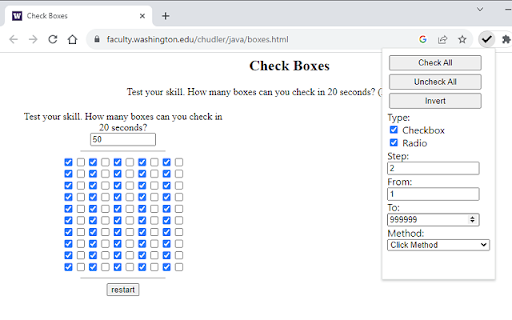
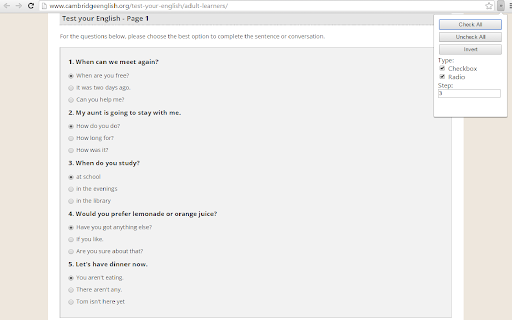
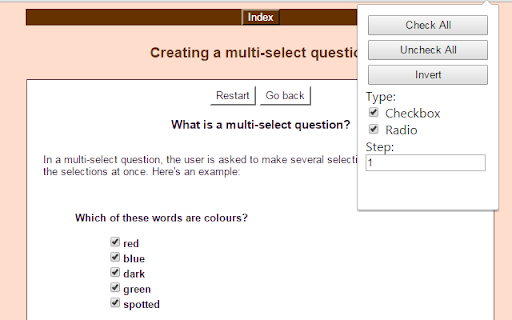
This extension help improve speed to select standard checkbox and radio on webpage This simple & lightweight extension that help you auto select all standard checkbox or radio on your web page. We also support shortcut key for easy and quick access. Detail: why this lightweight? because we only inject content script to active page when you click on the browser action icon, and we do not use any JavaScript library or framework at all Change Log: Version 2.1: - Support iframe with external url Version 2.0 - Support shortcut keys (see in chrome://extensions/shortcuts) - Support click event method - Bug fixes Please email me if have any problem: auto.extensions@gmail.com

Auto Radio Button Checker
Whenever you access a web page, the radio buttons are checked as you set. This Chrome extension takes a snapshot of a page of radio buttons you have checked and automatically checks the buttons every time you access that page. This program is convenient for you when accessing a site where you have to check the radio buttons every time you visit.

Checkbox checker
Press Alt/Option then click the first and last checkboxes to check all checkboxes in between Press Alt/Option then click the first and last checkboxes to check all checkboxes in between

Tick all checkboxes
Extension that ticks all checkboxes in the current tab A simple extension that ticks all checkboxes in the current tab.

Check Range
Shift-click first and last checkbox to select/deselect range. The "Check Range" extension is designed to enhance the checkbox selection experience in webpages. It provides users with the ability to select checkboxes within a range by simply holding the Shift key. All you have to do is select the first and last checkbox while holding the Shift key and the extension will select all the checkboxes in the selected range.
