
kgkhambjbahgejgoaefmekdchedkihln

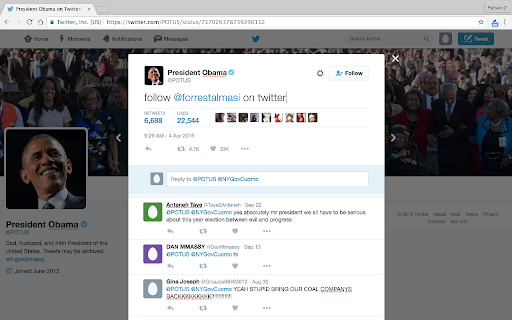

Edit Anything is a simple extension that allows you to edit text on any website. Click the pencil icon to turn text editing on or… Edit Anything is a simple extension that allows you to edit text on any website. Click the pencil icon to turn text editing on or off. If you don't see the icon, click the puzzle button towards the top right of your browser and pin the extension to your extensions toolbar. Edit Anything respects your privacy and does not record any of your data.

Save Image As Png
Save image as png Adds the "Save Image As PNG" option to the context menu of images. Converts an image to PNG before showing the Save As dialog. WebP is a new image format developed by Google. These images are small, but their format is not widely recognized yet. By converting the image to PNG, you will be able to use it in image editing programs, and/or upload it to online image hosting sites such as imgur. The extension has a low footprint: It does not use any memory or CPU unless you use it by clicking on the context menu option.

Falling Metal Pipe
A metal pipe falls every time you open a tab Add some more excitement to your day and show to your co-workers that you are winning at productivity with how many research tabs you are opening. Now also provides a devastating reminder of the fragility of progress when you close a tab

Page Text Editor
An editor to edit any webpage inline and live. Reload page to remove changes. This extension allows to modify the text present on a webpage, these changes aren't saved and can be removed by reloading the webpage.

Edit Website Extension
Edit Live Websites Text On The Fly Edit texts in live website by clicking the extension. Steps to use the extension: 1) Go to any website. 2) Click on the extension. 3) Start editing texts in the website like h1 tags or p tags or any tags. 4) Click on tht extension again to close edit mode & done! Good for quick website text editing only & share with colleagues or friends.
