
kbbdnbaghpcjpdhbjbccadodjejlkkgg
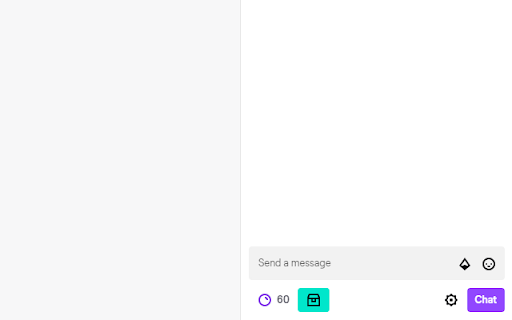
Auto-clicks the Channel Points bonus button when it appears. Welcome to the Twitch Channel Points click farm! Once the extension is installed, all you've got to do is to just open the Twitch live stream (or reload, if it's already open), and relax - the extension will take care of everything else.

Twitch Channel Points Auto Clicker
Auto clicks the Channel Points bonus chest for you, so you can watch streams in peace. Auto clicks the Channel Points bonus chest for you, so you can watch streams in peace. Make sure to refresh Twitch after installing the extension.

Twitch gift auto clicker
Auto click to claim +50 bonus channel points. The dotted stroke and an eyes emoji in the corner of the block with channel points indicates that the extension has started tracking points and will automatically click on a gift when it appears. Source code and bug tracker https://github.com/NekitCorp/twitch-gift-auto-clicker

Twitch Auto Points
Automatically finds the bonus point button on the website and clicks it for you. - NEW: the extension icon now shows the amount of points it collected for the channel you opened in your tab - Works in multiple tabs and windows at the same time. - Optimised for performance - Only works on twitch websites and gets automatically disabled on other websites - No data collection whatsoever - Works in moderator view - Updated to work with the new twitch UI

YouTube Channel Earnings
Displays the Channel Earnings Statistics for YouTube Channel when a user visits the channel. Track and analyze YouTube channel monetization performance and revenue stats, right as you browse videos. Effortlessly monitor your favorite channels or your own with powerful, real-time insights: - **Daily Subscriber Gains:** See how subscriber counts change every day. - **Weekly & Yearly Earnings:** Instantly access estimated earnings for the past week and the entire year. - **Last Week’s Stats:** Review a comprehensive snapshot of channel performance over the last seven days. - **Average Daily Views & Videos:** Discover daily viewing patterns and content output averages to spot trends and growth opportunities. - **Total Views & Subscriber counts:** Find out total stats for Views and Subscriber count along with channel start date - **Channel Monetization Status:** You can find the channel monetization status and when the channel started in the video page itself. Whether you’re a creator, marketer, or simply curious, YouTube Channel Earnings makes it easy to stay on top of vital stats and revenue estimates-all without leaving YouTube. Unlock the data you need to grow, compare, and succeed on the world’s biggest video platform. Start tracking your YouTube potential today with YouTube Channel Earnings! Releases: 1.1.2 Minor fix for permissions 1.1.1 : Fixes to channel stats refresh issue
