
ijkeendgbdgeajadokijhjhdbeicmbfe
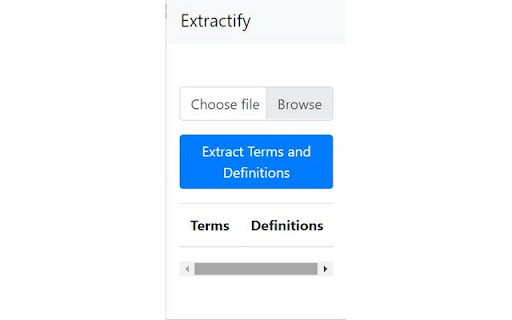
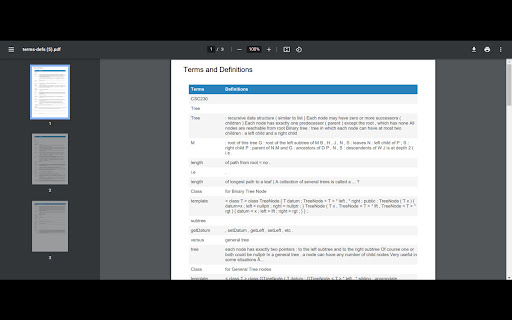
Extracts terms and definitions from a PowerPoint file Extractify is the ultimate tool for students looking to easily extract and organize key terms and definitions from their class readings and study materials. Extractify makes it simple to quickly pull important information from your lecture slides and study more efficiently. Upload your .pptx file and Extractify does the rest by automatically recognizing terms and definitions for you! Say goodbye to tedious manual highlighting and note-taking - Extractify does the heavy lifting for you. Plus, with the option to export your extracted information as a .pdf file, you can seamlessly integrate Extractify into your existing study workflow. Don't waste any more time sifting through pages of irrelevant information - install Extractify today and take control of your studying.

Twitter Long Text Editor
Twitter Long Text Editor converts the input Rich Long Text into an image and directly write to the clipboard English: For a long time, the long text editing experience on Twitter has been a headache. Although using a long text screenshot can solve this problem, it requires many steps and is still very cumbersome. To solve this issue, we launched the Twitter long text editor project. This chrome extension will make editing and sharing long text easier than before. With just a click, you can convert the input long text into an image and directly write it to the clipboard. No more complex steps, now you just need to focus on your creation.

ReadAnything
Read anything with the power of AI Are you bothered by long and tedious papers filled with jargon? Are you frustrated by bad writing that seems to prevent you from understanding? Don't worry, let's harness the power of GPT to help us read anything!

Twitter Intro Finder
Getting the perfect intro from followers of people that are also following you. When I see someone on Twitter that I want to reach out to (the 'target') you usually want to do so via a great intro. But how do I know who to ask? Currently, the only way to see how you're connected to someone on Twitter is through which people you follow also follow that person. But what you actually want is to get an intro from: (1) someone who the target follows and (2) someone who's following you If someone is following me that means I easily can ask for a good intro. And if the target is following that person that means that they’ll be very likely to take the intro. This extension tells you exactly who to reach out to for a maximally successful intro!

Unwanted Opinions
Lets you block tweets using various options. Unwanted Opinion saves your eyes by blocking tweets using filters you specify. Still want to see the tweet? Press the Show button!
