
iifapmailhggekpkhlhhhagclbgmmcdl
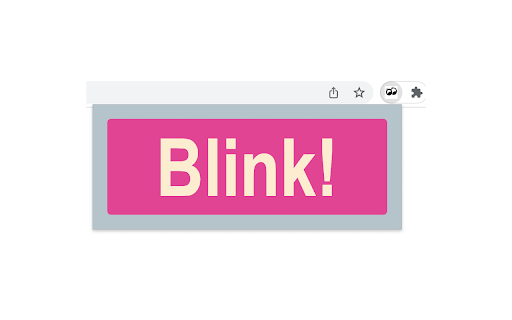
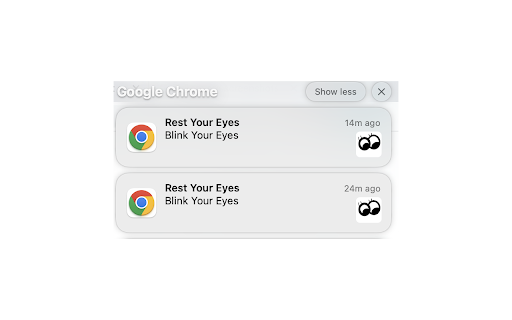
A friendly reminder to blink your eyes every 15 minutes to protect your vision The extension reminds you every 15 minutes to take a break from the computer screen and exercise your eyes to protect your vision. Once downloaded, simply click "Blink!" from the popup and the alarm will be initiated. Extremely helpful if you ever experienced eye strain from staring at a computer screen for a long time.

Eye Care Reminder
Reminds you to take a break periodically and rest your eyes while working on the computer. Protect Your Eyesight: Get regular reminders to take breaks and rest your eyes. Customizable Settings: Adjust reminder intervals and messages to suit your needs. Reminder Interval: Default set to every 60 minutes. Reminder Message: Protect your eyes! Take a break... Notification Settings: Auto-hide notifications after 20 seconds. Disable Notifications: Temporarily disable notifications for specific periods or websites. Do Not Disturb Mode: Set quiet hours to avoid interruptions. Theme Options: Customize the look and feel of the extension. About: An open-source project designed for individuals passionate about their work who need reminders to take breaks. About the Developer: Hello! I'm Partho, a full-stack engineer and co-founder of Data Matric. Alongside full-stack development, I am focused on building AI-driven software. This project is my effort to help people protect their eyesight while working on computers.

20-20-20 Eye Break Reminder
Reminds you to take a 20-second break every 20 minutes. Protect Your Eyes from Digital Strain with the 20-20-20 Eye Break Reminder! Staring at screens for extended periods can cause eye fatigue, dryness, and headaches. The 20-20-20 rule is a simple technique recommended by optometrists to alleviate eye strain: Every 20 minutes, take a 20-second break, and look at something 20 feet away. Key Features: 🕑 Automatic Reminders: Get a gentle notification every 20 minutes. 🔄 Easy On/Off Toggle: Quickly enable or disable reminders via the extension popup. 👁️ User-Friendly Interface: Simple design focused on functionality. 📊 Lightweight and Efficient: Minimal impact on your browser's performance. Benefits: 🌟 Reduce Eye Strain: Helps prevent discomfort from prolonged screen time. 🚀 Improve Productivity: Short breaks can enhance focus and efficiency. 💼 Ideal for Professionals and Students: Perfect for anyone who spends long hours in front of a computer. How to Use: Install the extension. Click on the extension icon to open the popup. Use the toggle switch to turn reminders on or off. Note: The extension starts with reminders turned on by default.

Blink Extension
This extension helps people to maintain healthy habits while using their computers. Regular Blink, Exercise, and On Task Reminders. Gives you a customizable way to maintain healthy habits while using your computer. Use of computers without regular reminders to blink is a large cause of dry eyes. Use of computers can lead to a sedentary lifestyle. Finally, use of computers can often make you distracted and lose time you intend to spend on other things in life. This app will help remind you to blink regularly, exercise regularly, and stay on task.

Blink Reminder
Reminds you to blink at regular intervals. Blink Reminder – Protect Your Eyes, Stay Productive Blink Reminder is a Chrome extension designed to reduce digital eye strain by reminding you to blink during screen time. It provides gentle, customizable visual cues at set intervals (20–60 minutes) using a smooth overlay and central “Time to Blink!” message—no pop-ups or sounds. Customizable intervals and real-time countdown. Lightweight and optimized (Manifest V3), works across all tabs. Ideal for anyone who spends long hours on screens—professionals, developers, designers, students—to help prevent dry eyes, fatigue, blurred vision, and improve focus and comfort. Easy one-click setup.
