
iekhpgleeghjmneofomgekbijlleojml
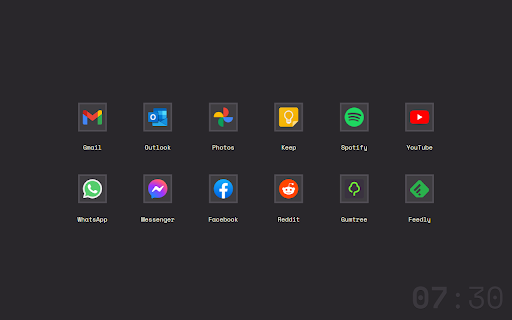
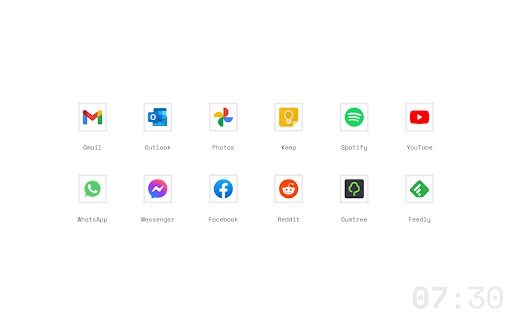
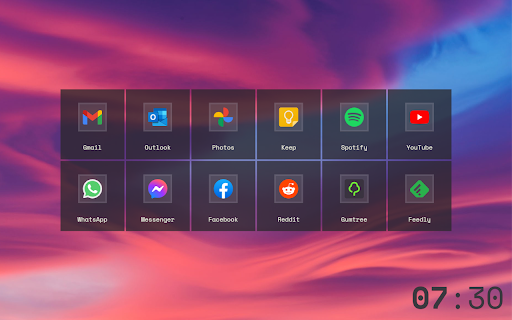

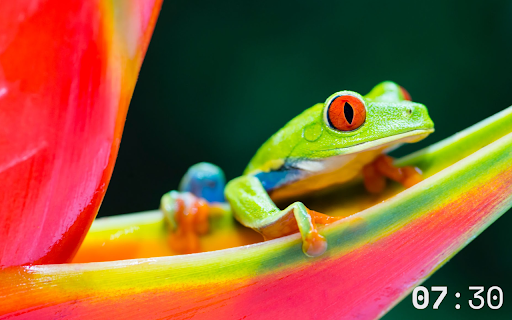

New Tab written with ❤️ in vanilla JS. Fast. Simple. Customisable. ▪ No telemetry / ads. ▪ Rearrange grid with drag & drop. ▪ Custom wallpaper, including feeds!* ▪ Custom links & icons (recommend SVG). ▪ Custom grid density and padding (or blank). ▪ 24 hour clock (click in edit mode to disable). ▪ Follows system dark / light mode (or custom). ▪ Image cache (data URI converter) for speedy load times. ▪ Export / Import settings between browsers (cross-platform).

Taby
Quickly move between tabs, bookmarks and history Taby is a navigation extension designed to optimize your browsing experience. Taby provides quick access to all your open tabs, bookmarks, and browsing history through an easy-to-use, mouse-free command palette. You can quickly search and filter through your tabs, bookmarks, and history. Plus, you can customize it with different themes, resize the command palette. We’d love to hear your suggestions! Please feel free to leave comments, rate the extension, and share your feedback to help us make Taby even better for you. Your privacy is important to us. We ask for permissions to access storage, history, and bookmarks to ensure Taby works properly, and we never store any personal data. Taby is also open-source! You can explore and do not hesitate to leave star, it would support me a lot the code here: https://github.com/ByHelyo/taby Try Taby today for a faster, easier browsing experience! - Display all opened tabs, bookmarks and history in current window via a convenient command palette or popup. - Navigation with filtering options - Search by title, URL, or index - Powered by a fuzzy search filtering - Navigate between tabs using arrow keys - Switch to a tab with 'Enter' or a simple click - Move the position of the command palette - Shortcut for duplicate tab. - Choose from 5 different themes - Adjust the command palette size - Reverse scrolling - `Alt+Q` to open/close the popup. - `Alt+W` to open/close the command palette. - `Escape` to close the menu. - `Enter` to switch to the selected tab. - `↑` `↓` arrows to navigate and select tabs above and below the currently selected tab. - Optional shortcut to duplicate current tab.

Shortcuts In Newtab
Simple new tab with custom shortcuts This extension gives you a simple newtab with custom shortcuts. When installed, it replaces the original new tab. FEATURES: - Create shortcut links to your favorite pages. - Grouping of shortcuts. - Easy to rearrange shortcuts and groups. - Theme settings - Import and export NOTE: This app saves data on your PC. If you delete this app, your data (created shortcuts and groups) will be lost.

Aivatab
Aivatab provides a visually stunning and fluid new tab experience with a to-do list, notes, and a customizable search bar. Aivatab – A Sleek, Animated, and Modern New Tab Experience 🚀 Aivatab transforms your new tab into a beautifully animated, ultra-modern workspace—completely free. With fluid animations, a sleek interface, and a minimalist design, Aivatab keeps your workflow smooth and distraction-free. It’s a two-page new tab that helps you stay productive while looking stunning. ✨ Gorgeous animations that make browsing feel effortless 📋 To-Do List – Keep track of your tasks in a clean, intuitive layout 🗒 Quick Notes – Jot down ideas without clutter 🎯 One Thing Reminder – Stay focused on what matters most 🔗 Custom Bookmarks – Easy access to your favorite sites 🌐 Minimalist Search – Google Search in a distraction-free format ⚡ Lightweight & Fast – No bloat, just pure efficiency 🔒 Zero tracking, zero ads – Your data stays yours Aivatab isn’t just a new tab—it’s a seamless, animated experience designed to help you focus, create, and stay organized.

Cool New Tab Page
Turn you New Tab page into a nice and customizable Home Page Cool New Tab Page replaces your default New Tab page with a customizable page. -Add an unlimited amount of Website Links. -Chose between 63 wonderful Wallpapers, or select your own. -Organize your Links in Tags. -Quick access to Google and Microsoft Apps. Version 1.0.4 -Fixed blank page flash on dark mode, when opening the extension. -Fixed Change Log display on Settings. Version 1.0.3 -Now you can move and change position of website thumbs. -Now the icon generator saves the icon locally instead of linking to the Google API. -Other Minor changes and fixes. Version 1.0.2 -Added Option to Hide Menu/Widget Button. -Added Dark Theme style to items that were missings. -Fixed the bug that added a website more than 1 item from the right-click menu -Other Minor changes and fixes.
