
hlgjjjociconbkooaggfmjhalogadcee
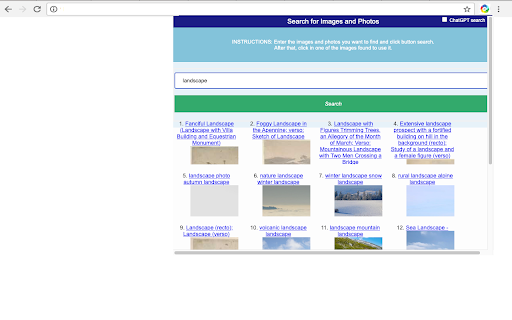
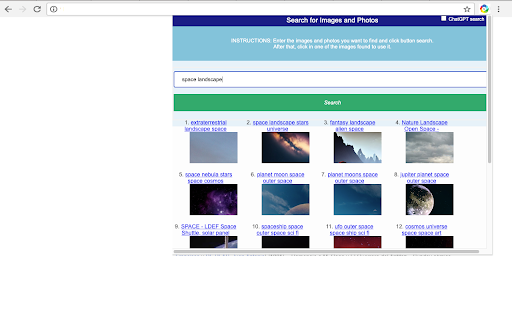

Search for thousands of images, icons & photos or create them with ChatGPT This extension allows to create well organised personal and business images, pictures and icons you can easily edit. It uses our repository of images but it allows to interact with ChatGPT in order to create images, icons and photos. This extension provides a search engine where the user can enter the keywords that will be used to search for the images and illustrations that match better in our repository. Moreover, this extension contains a checkbox labelled by ChatGPT that if it is enabled it is used to generate an image created with intelligence artificial that can be either edit online. After that, it can be downloaded. As a result of that, this extension helps then to generate standard pictures, vectors, images, illustrations, icons, landscapes, .... It can automate and simplify the process of filling and reviewing any art business need. It provides inspirational designs, illustrations, and graphic elements with good designs. Note that each image is designed to hold the right amounts of creative and professional elements, and you can use them for business or personal purposes. Typical templates you can find are for banners, landscapes, pictures, photos, compositions, galleries, .... Any of them can be either searched or created with the ChatGPT intelligence artificial option. * Create images with intelligence artificial. * Generate illustrations with advanced intelligence engine. * Enhance the generation of any picture with ChatGPT. * Edit online any of the templates that were found, either the OffiDocs or the ChatGPT created templates. * Replace Freepick or Stockimages. * All the image generation is free. With this image tool you will no longer need to use image repositories like freepik, istockphoto or depositphotos.

Secure Shell
Terminal emulator and SSH and SFTP client. This is the development version of the Secure Shell extension. It contains fixes & features that may not yet be available in the stable version. Use it at your own risk. If you're not comfortable running lightly tested code then install the stable version instead: https://chrome.google.com/webstore/detail/iodihamcpbpeioajjeobimgagajmlibd Please read the FAQ, available here: https://hterm.org/x/ssh/faq. You can also exchange feedback in the chromium-hterm mailing list, available here: https://hterm.org/x/ssh/contact. The changelog is available here: https://hterm.org/x/ssh/changelog

Android Developer Toolbox
A quick access toolbox of Android developer tools, calculators and information. Android Developer Toolbox is a quick access to Android™ developer tools, calculators and information. Some items include density calculator, dp to px and px to dp calculator, dangerous permissions, and Android™ release information. Always more to come! The Android robot is reproduced or modified from work created and shared by Google and used according to terms described in the Creative Commons 3.0 Attribution License.

Software Downloader for Windows & Linux
Software & program downloader to search & download applications integrated with OnWorks. This extension is a software and program downloader to search, download and run Windows and Linux applications. It is mainly design to facilitate the development of any app. When the extension is clicked, it opens a window where users can search for its desired program for Windows and Linux. After that, our internal engine searches for the best apps that match the keywords entered. These programs appear in a list where the users can click from to initiate the download having as a reference the OnWorks.net search engine. * Search for Windows programs. * Search for Linux programs. * Download Windows programs. * Download Linux programs. * Can use our onworks.net to run any online Windows and online Linux applications.

Secure Shell
Terminal emulator and SSH and SFTP client. Secure Shell is an xterm-compatible terminal emulator and stand-alone ssh client for Chrome. It uses Native-Client to connect directly to ssh servers without the need for external proxies. A SFTP command line client is included. On ChromeOS, you can create SFTP mounts and access them from the Files app! It has been well tested for a couple of years. Please read the FAQ, available here: https://hterm.org/x/ssh/faq. You can also exchange feedback in the chromium-hterm mailing list, available here: https://hterm.org/x/ssh/contact. The changelog is available here: https://hterm.org/x/ssh/changelog
