
fjnpfdnpkpdccebgadceaieifiiblabh

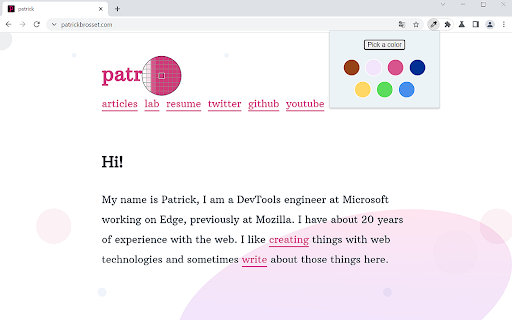
A browser extension to copy colors from your screen This extension adds an eye dropper icon to the toolbar, which allows you to pick colors from anywhere on your screen! The colors you pick get copied to your clipboard. They also appear in a popup window, allowing you to go back and copy previously selected colors.

Eyedrop to Clipboard
Eyedropper tool that copies the Hex color code of the selected pixel to the system clipboard. Eyedropper tool that copies the Hex color code of the selected pixel to the system clipboard.

Pickero
Helps you with picking color values from your browsers current tab. Eye drop button makes everything easy for you. Find the color values that you like on a tab easily using Pickero. Features : - Eye Dropper - Save last picked colors - Color Palette for selecting colors - Show both rgb and hex values - Copy color code to clipboard

iDropr
iDropr is a chrome extension that allows you quick access to an eyedropper tool to easily find the hex, rgb, and hsl values for any… iDropr is a chrome extension that allows you quick access to an eyedropper tool to easily find the hex, rgb, and hsl values for any color on your desktop. You can copy the hex value directly from the drop down menu or by clicking on the hex value label next to the color. Adding new color swatches generates random colors by default and displays a gradient from left to right of the current color list.

Smart color picker
A simple color picker that will allow you to choose a color not only on the page, but also outside the browser
