
emfabjnfjiknifjlfpjobbecfepplhkd

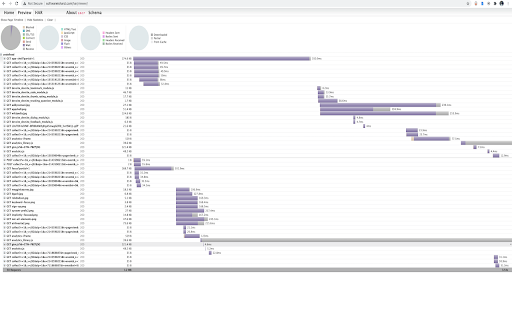
Records network request and generates HAR file. har-recorder Chrome extension to record network request and generates HAR file. Uses https://github.com/cyrus-and/chrome-har-capturer to handle requests.

webQsee: Free Website Bug Recorder + Sniffer
Record, replay and analyze web app behavior. Collect and export data for trouble tickets. Capture screenshots and videos. 📸 Create a tab screenshot combined with network traffic & console logs (= Event Snapshot). 📹 Create a tab video combined with network traffic & console logs (= Behavior Report). ⇫ Export your findings as a single file or even temporarily share it via cloud - FREE of charge & without user account. 🔍 Use the webQsee DevTools for realtime-insight in a tab's network traffic and console logs. Export and import HAR (HTTP archives) besides our custom formats (Event Snapshot & Behavior Report). webQsee is privacy-centric. Data you capture with webQsee is stored LOCALLY per default and does NOT leave your system without your prior knowledge. For a more detailed list of features, visit webqsee.com

HAR Export Extension
Records network activity and exports it as a HAR file. this extension allows you to record your browser activity and save it as a file on your computer.

One-Click HAR Exporter
Export HAR files with a single click directly from the browser's toolbar. Capture HAR files instantly—without opening DevTools, clicking through menus, or renaming files manually. One-Click HAR Exporter records all network activity from the current tab and downloads a clean, complete HAR file named after the page title.

HAR Report
Use HAR data to generate reports using predefined templates for XHR and fetch request types.
