
dlgflcilldefileenipicfeijpnkekii
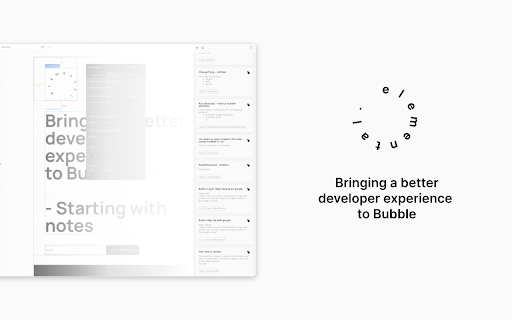

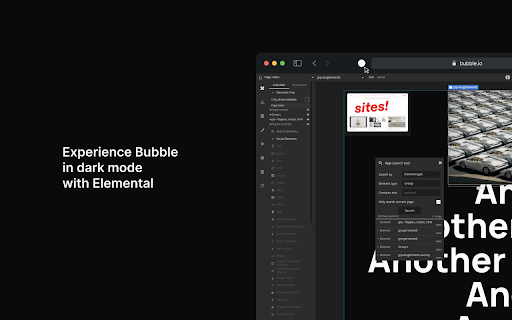
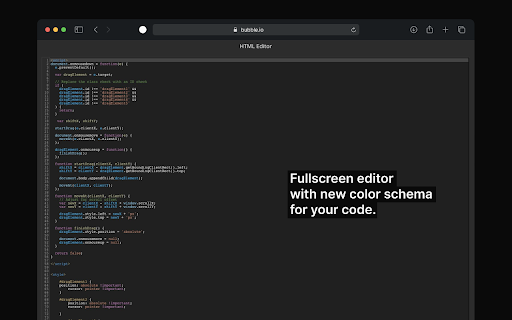
- Experience the bubble editor, now with dark mode support; - Fullscreen rich text & code editor with a new color scheme to improve code readability; - Keep track of tasks in your notes directly; - Notes with context: just like in Bubble, you’ll be able to navigate from a note to the element, reusable, page workflow, etc with a single click; - Searchable notes, with options to sort/filter, label/tag and even group notes; - Option to embed supported content (e.g: loom videos) into your notes;

Nexa Nodes V2
Ultimate UI library for Bubble.io developers. Unleash creativity and efficiency in Bubble development like never before! Nexa Nodes is your all-in-one Chrome extension for dragging and dropping top-tier UI components—think sleek sidebars, dynamic headers, and clickable buttons, right into your projects. With this latest powerhouse update, you get lightning-fast performance and more customizable elements to revolutionize your design workflow. Get ready to build beautiful Bubble apps faster and easier than ever with Nexa Nodes!

Atomic Fusion
Bubble developer extension to help you build and design apps faster. This extension lets Bubble.io Visual Developers access UI design kits, assets, components, code snippets, styles and more - all from within their Bubble.io editor. You can copy pre-built elements and styles developed in Bubble from the Atomic Fusion library and paste them right into your Bubble.io editor as well as upload from the Bubble.io App Editor into your Atomic Fusion Library repository to speed up design and Bubble app building processes. If the user is a Bubble.io Developer they should install this to help them speed up building and designing Bubble apps.

Bubble mode toggler
Toggle Bubble's Debug mode Bubble is an advanced no-code editor. It removes Bubble’s preview mode annoying “?debug_mode=true” only click the icon of extension, and one more click to put back.

Bubblefy JSON
The extension transforms a JSON object into a format that can be easily pasted into Bubble with a single click. The Bubblefy JSON extension transforms JSON objects into a Bubble.io-compatible format with a single click. It's perfect for developers using Bubble.io, simplifying data transfer. >> Why install? Ease: Quickly converts JSON for Bubble.io. Efficiency: Saves time by avoiding manual conversions. Reliability: Reduces errors when pasting JSON into Bubble.io. >> Step-by-Step: Install the extension from the Chrome Web Store. Use: Click the icon, paste the JSON, click "Process and save". Paste the transformed JSON into Bubble.io. >> Passo a Passo: Instale a extensão da Chrome Web Store. Use: Clique no ícone, cole o JSON, clique em "Process and save". Cole o JSON transformado no Bubble.io.
