
cnacekodnompagkcgchdceebailakbco
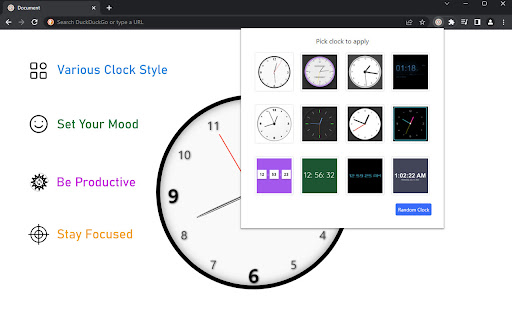
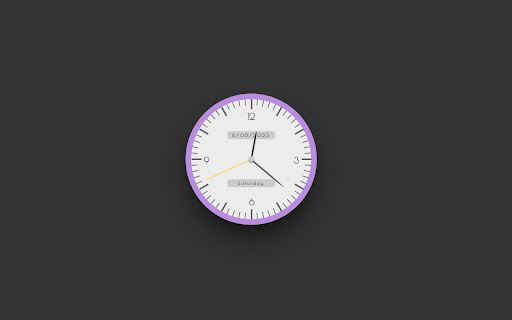
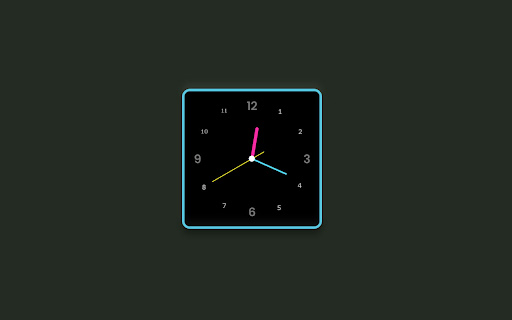
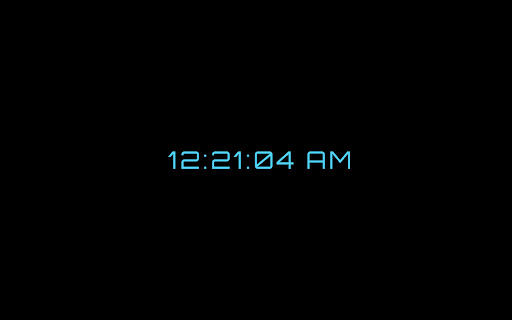
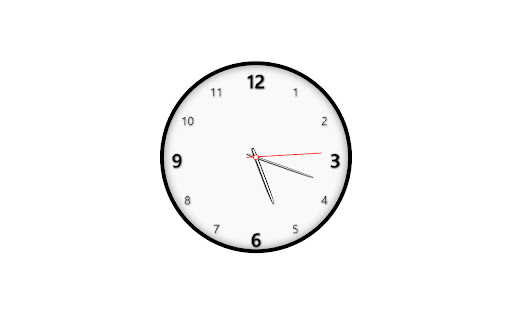
This very simple extension places a analogue clock while you opens a new tab each time It will remind you to stay focus on you work and stop wasting time on unnecessary stuff

Desktop Clock Mini
A super simple clock for your chrome extension bar This is not being updated. Please check desktopclock.app for a customizable clock, worldclock, and stopwatch : ) Desktop Clock Mini is a super simple clock for your chrome extension bar. Just click the icon to open it. Close by clicking the icon again, clicking away, or with Esc. Desktop Clock Mini is extremely small and lightweight, and ad-free and permission-free! Remember to rate and share :) V.1.1.0 -------------------------------- If you want a chrome app that runs outside of your browser, and has many more features, including double-click full-screen, night mode, and more, try Desktop Clock here:

Big Clock | Hour
It is a add-on that displays the current hour and minute in the toolbar as a large readable add-on icon. Big Clock - Display Hours and Minutes in the Browser Toolbar. Big Clock is an add-on that provides legible and customizable hour and minute display in the browser toolbar. Available as two separate add-ons, Big Clock | Hour and Big Clock | Minute, this application shows the user the current hour and minute instantly through the toolbar icons. Dark and Light Mode Support: You can use it in dark or light mode depending on your browser theme. Colored Icons: The icons are black or white depending on the selected theme color, the toolbar display is always stylish and harmonious. Clock Display Format: You can set 24h or 12h clock display according to your preference. Multi-Language Support: The plugin offers multi-language support for use in different languages. Customizable Design: Customize the text and background color, and add a unique style to your browser with the option of analog or digital clock view. Popup Page: Keep track of time in more detail with the display of hours, minutes, seconds and current date on the popup page. Customizable Date Display: Set the date display format according to your preference. Visual Options: Decorate the popup background or clock background with customizable images. Import images from hard disk or URL. Clock View in Separate Window: Option to open a separate window to see the clock view in a larger window. Synchronized Use: Use Big Clock Hour and Big Clock Minute plugins together and settings are synchronized automatically. Plain and Simple Operation: It offers a simple and straightforward usage experience with its user-friendly interface. Keep track of time in style in your browser's toolbar with Big Clock. Especially if you use it to hide the taskbar of your operating system, this is for you. Install now for a professional and customizable clock experience!

Simple Analog Clock
A simple and beautiful Windows Vista-inspired analog clock with day/night mode Introducing Simple Analog Clock , the perfect extension for those who appreciate a clean and uncluttered way to keep track of time. With just one click, you can open a beautifully designed analog clock in a new browser tab, complete with a smooth day/night mode switch to adapt to your environment. Press F11 to enter/exit full screen mode. Main Features Elegant Analog Design : Enjoy a classic, easy-to-read analog clock face that provides a timeless and aesthetically pleasing experience. Day/Night Mode Toggle : Switch effortlessly between a bright, daytime theme and a soothing, dark-themed night mode to reduce eye strain and enhance visibility at any time. Minimalist Interface : A distraction-free layout ensures you focus on what matters most—time. Accurate Time Display : Always shows the current time with precision, ensuring reliability for your daily tasks. Why You'll Love It Simplicity : No unnecessary features or clutter—just a straightforward clock that gets the job done. Customization : Tailor the background to match your preferences with the simple day/night toggle.

Toolbar Clock
Stylish analog clock in your browser toolbar. Toolbar Clock is a browser add-on that renders a stylish analog clock in the toolbar popup and also a simple analog clock as the toolbar icon. To see the clock, please click on the toolbar icon to open the popup. There are few settings at the bottom of the UI to adjust the clock. There is also a reload button to refresh the clock UI in case an unexpected error happens. Please note that this add-on does not have any options or settings to adjust. All you need is available in toolbar popup UI. If you want to report a bug or have a feature request, please fill the bug report form in the add-on's homepage (https://mybrowseraddon.com/toolbar-clock.html).
