
cimiheaidkngmoiignldckkildfhenhb
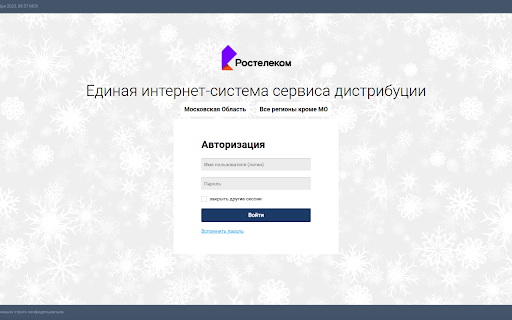
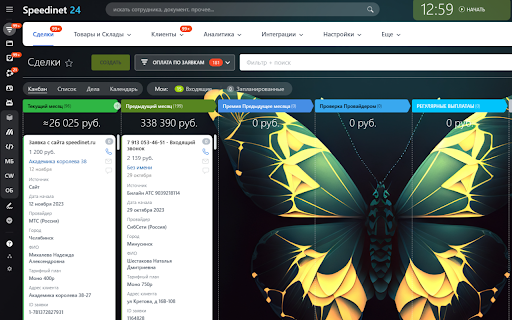

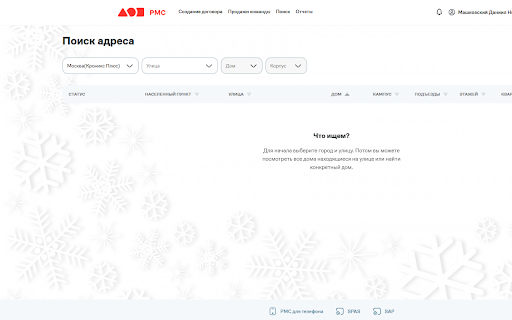
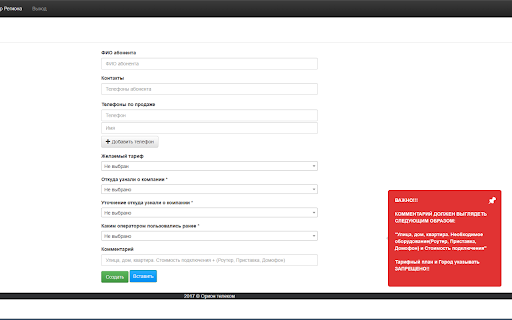
Помощь в работе с партнерскими программами различных Провайдеров Помощь в работе с партнерскими программами различных Провайдеров, а так же в работе с нашим Битрикс24. подсчет стоимости оплат, вход в партнерские программы, а так же функция "Новой линии" доступны вам в нашем расширении. *Предназначено только для использования внутри компании

Tab Sorter
Sort tabs within a window and then export a list of tab URLs. If you're a tab hoarder (like me), this is useful for snapshotting… Sort tabs within a window and then export a list of tab URLs. If you're a tab hoarder (like me), this is useful for snapshotting your work, deduplicating tabs, and then picking it up later. Note that the sorting process breaks tab groups if the final order interleaves tabs from different groups. This extension is entirely "offline" and does not track, store, or share any data whatsoever. The "exported" tab URLs just appear in a new tab, from which you can copy-paste or save them. The full source code is available at https://github.com/bsidhom/tab-sorter. It is intentionally minimal to make auditing easy.

PT QA HELPER
Very useful QA tool for copying test results and viewing the build information of the current browser tab. The “QA Helper” extension is a powerful Google Chrome tool designed to streamline QA workflows by enabling quick copying of test results and easy access to build information for the current browser tab. With this extension, you can: View the current tab URL and identify portal URLs. Quickly access build details for the portal’s Front End, Back End, and CMS components. Copy test statuses directly to the clipboard. Copy the developer’s fix stamp to the clipboard. Copy a preformatted bug template to the clipboard. View the latest GitLab commits. Register new users. Generate test credit cards. Create QR codes.

MarkBook
Revolutionize your browsing experience with our cutting-edge Chrome extension! Say goodbye to the hassle of traditional bookmarks and welcome a new era of effortless organization. This innovative tool allows you to mark tabs and easily search through them, not only by URL or title but also by the captivating content within each article. Upgrade your browsing today!

Conga Debug Helper
View Imp Information for Debugging Conga Issues 1.1 - Added Lightning Support. The tool uses Tooling API so might not work in case logged in user does not have required permissions. 1.0 - The Extension allows you to find Conga Packages and their Version without needing to go to the Installed Packages tab. Works only in Salesforce Classic for now.
