
akeekileadcbkmpjfoknldcplcnnmgol
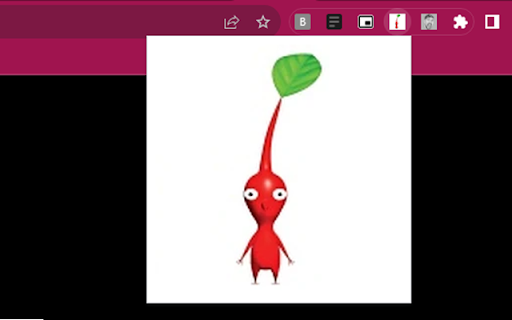
When you open the extension, you will see a little pikmin. Click on him and he makes the pikmin sound. That is all it does.

Pikmin
For OTM helper

RandomRick
Very useful extension, this is not a rickrool Extension to troll your friends. You can customize the chance, when rickroll will be show

Cat-In-Tab
A cat that can walk around on your page Want a cat to accompany you while surfing the web? This extension can make your dreams come true! How to use: 1. Install extension 2. Open a new webpage 3. Find your cute cat somewhere on the page 4. That's it! Enjoy & Have fun! * If you want to get your cat to sleep, just click the extension button. (It's harmless I promise)

Pikmin Cursor - Game Cursor for Chrome
Browse online with Pikmin cursors. Perfect for fans of Olimar & puzzle adventures! Pikmin cursors for every click, scroll, and hover! Red, Yellow, Blue, Rock, and Winged Pikmin along with Captain Olimar now follow your mouse across every page. Adorable creature designs straight from Nintendo's beloved puzzle adventure series — built for fans who love leading their little plant companions through every challenge. Features: • Customizable Cursor Size - Adjust cursor dimensions to match your preferences and screen setup • Favorites System - Mark and quickly access your most-used Pikmin cursors • Zero Performance Impact - Lightweight design ensures smooth browsing without slowing down your browser • Easy Toggle On/Off - Quickly enable or disable the custom cursor whenever needed How to Use: 1. Install the extension from the Chrome Web Store 2. Click the Pikmin Cursor icon in your browser toolbar 3. Browse through available Pikmin cursor designs 4. Select your preferred cursor for normal browsing 5. Adjust cursor size using the size slider if needed 6. Enjoy browsing with your favorite Pikmin companion!
