
ajlcnbbeidbackfknkgknjefhmbngdnj
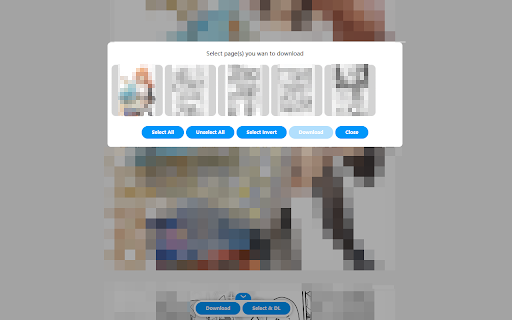

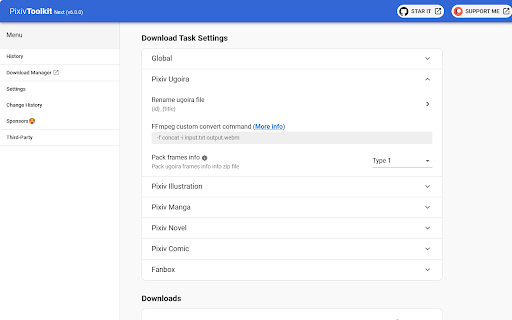
Download ugoira, illustrations, manga and novel on Pixiv, Pixiv Fanbox and Pixiv Comic. Some thing to say... There have been constant problems since the 6.0.0 version update, and the main reason is that the upgrade was too hasty and led to some mistakes in decision-making. After this period of repairs, it should be back to road. Thank you for continuing to use and report problems. Due to some personal affairs that need to be dealt with later, the later plan is to deal with issues in every two weeks. Please understand 🙏. You can use this extension to convert the ugoira on Pixiv to animation like gif or video like mp4, or download the images of manga or save novel as file. You can also download images from Pixiv Comic and Pixiv Fanbox (Notice: You need to have access to the post or comic you want to download in order to download the resource). You can feel free to open issue on GitHub if you have any questions. Github: Pixiv Toolkit: https://github.com/leoding86/webextension-pixiv-toolkit ---------------------------------------------- v6.4.2 Remove the listener for event onDeterminingFilename; Fixed issues (#271, #284, #288). v6.2.0 Simplify the process of adding task. Now the download manager will be opened automatically and task will be added; Add default types for generating Pixiv animated images, including GIF/APNG/MP4/WEBM; Add task download progress indicator on the target page. v6.1.0 Added a option for controlling the feature about packing multiple images in download item to a zip file. v6.0.0 Notice: This version include some break changes so you maybe encounter some problems, feel free to open an issue if you feel something wrong; Adapted manifest v3; Change the way for managing downloads, download tasks are managed by Download Manager, please open Download Manager before downloading anything; Refactor the visit history feature, and because of manifest v3 the visit histories in old version will be lost after this update; Refactor the logic of generating ugoria animation, deprecated gif.js and whammy and replace them by ffmpeg; Fix issue about downloading Pixiv Comic Episode; For more detail for this version, please visit the project page https://github.com/leoding86/webextension-pixiv-toolkit/blob/master/readme.md ---------------------------------------------- Please report bugs and tell me what you need. Thanks!

Pixiv Downloader
This tool helps you compile and view manga, illustration collections, novels, and more in PDF/EPUB format. ■Details Simply click the download button on your desired work’s page, and you can download that work as a single PDF/EPUB file. ■How to Use 1. Go to the page of the work you want. 2. Click the download button on the right side of the screen (as shown in the image). 3. The work will be downloaded as a PDF/EPUB file. ■Examples of Use - Store PDF/EPUB files on your tablet for repeated viewing. - Enjoy them offline, such as when you are on the go. - Save works grouped by author or genre. ■How to Install - Visit the following URL: https://chromewebstore.google.com/detail/pixiv-downloader-pro/obpplliepllmongaimfbkbdembbmkfne?authuser=0&hl=ja - Click "Add to Chrome"

fantia-dl-tool
A tool to batch DL all media for Fantia posts.

Twitter Image Downloader
Download and rename original images on your Twitter timeline 2023/12/09 2.2.10 support media tab in twitter.com ( Posting date and time cannot be set. )

Awesome NicoNico Downloader
[Required: Need create nico account and logged to download comic/manga images] ☀ Download original images. ☀ Download manga pages as zip file. ☀ Download videos from Nicovideo.jp ☀ Download thumbnail full size. ☀ Download videos with just 1 click (enable/disable in user settings). ☀ Automatically select preset quality. ☀ Multi language. ☀ Suggest queries + Generate random keywords. 1. Using default settings, this extension will display a download button above the downloadable link on the bilibili.com website. You just to click on the download button, wait a few seconds and then you will be redirected to a page showing all the download links. Choose the resolution of the video you want to save, the file will be downloaded automatically by javascript. Note, do not close the window in which the download is in progress. 2. In the extension's settings, choose to turn off "Automatically activate", the extension will be active at a minimum. A download icon will appear in the lower right corner. When you click on this icon, the download link extraction process will be performed. The next steps are the same as above. 3. Pin this extension. Play a video on nicovideo.jp, then click on the extension's icon. Extraction of the download links will be done in the extension's window. Click on the three dots icon to go to the download page.
